Marketplace picture guide · reviewed August 5, 2026
eBay product photo requirements for trustworthy listings.
Meet the current minimum, show the exact item clearly, and build a gallery that answers condition and purchase questions.
Quick answer
What does eBay require from listing photos?
eBay currently requires at least one photo with 500 pixels on the longest side. Higher-resolution real photos are usually more useful because shoppers can inspect identity, condition, labels, wear, included parts, and other details before buying.
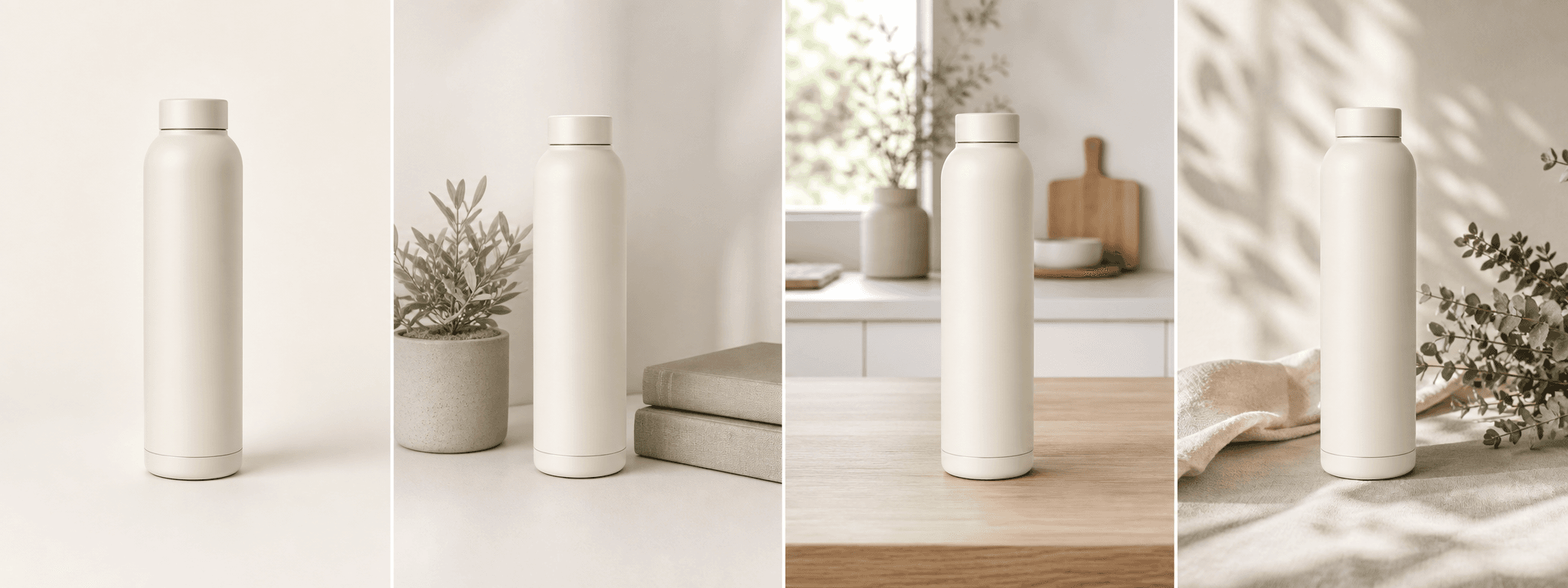
The safest gallery uses real photos of the exact item. Generated scenes can add context for repeatable new inventory, but should not replace evidence of condition, authenticity, damage, serial details, or what is included.
Platform rules and interfaces can change. Use the linked primary sources as the final authority, then test the result in the marketplace or storefront you actually use.
Current baseline
Treat 500 pixels as the minimum, not the target.
A file that only meets the minimum may provide limited detail on modern displays. Start with a larger, sharp source so shoppers can inspect the item and so future crops do not depend on a tiny upload.
Do not enlarge a blurry source to satisfy a number. Reshoot with steadier framing, soft light, and closer focus when the original does not show enough real detail.
- At least 500 pixels on the longest side
- Sharp focus and accurate color
- Complete product visible in the primary image
- Enough resolution to inspect condition details
Buyer trust
Photograph condition, flaws, and included parts honestly.
For used, collectible, refurbished, damaged, vintage, or one-off items, the images are evidence. Show scratches, wear, repairs, labels, serial identifiers, missing pieces, packaging, and accessories from useful angles.
Avoid filters or generated edits that remove flaws, change color, replace labels, improve packaging, or imply a different quantity. A more attractive listing is not worth a return or trust problem.
- Front, back, sides, top, and bottom when relevant
- Close-ups of flaws and wear
- Serial, model, size, and authenticity details
- Everything included in the sale
Responsible AI use
Use generated context only when the facts stay intact.
A supporting lifestyle scene can help a shopper understand where a new, repeatable product belongs. It is a poor substitute for real condition photography and should not be used for unique inventory where the exact physical item is the listing.
Compare every generated result with the source and description. If the scene changes shape, model details, included parts, packaging, color, or condition, leave it out.
When in doubt, publish the real photo. ShopPhoto AI is an independent tool and does not certify eBay policy compliance.
Before you publish
eBay listing photo checklist
Review the entire listing as a buyer who cannot inspect the item in person.
- At least one image exceeds the current 500-pixel longest-side minimum.
- The exact item, color, quantity, condition, and included parts are clear.
- All material flaws, wear, damage, or repairs are shown with real photos.
- Labels, serials, sizes, model details, and packaging are readable when relevant.
- Generated scenes do not replace condition or authenticity evidence.
- The current eBay picture policy was reviewed before publishing.
Primary references