A clearer visual story
Add context for use, scale, gifting, or merchandising around factual listing photos.
For marketplace listings and resale shops
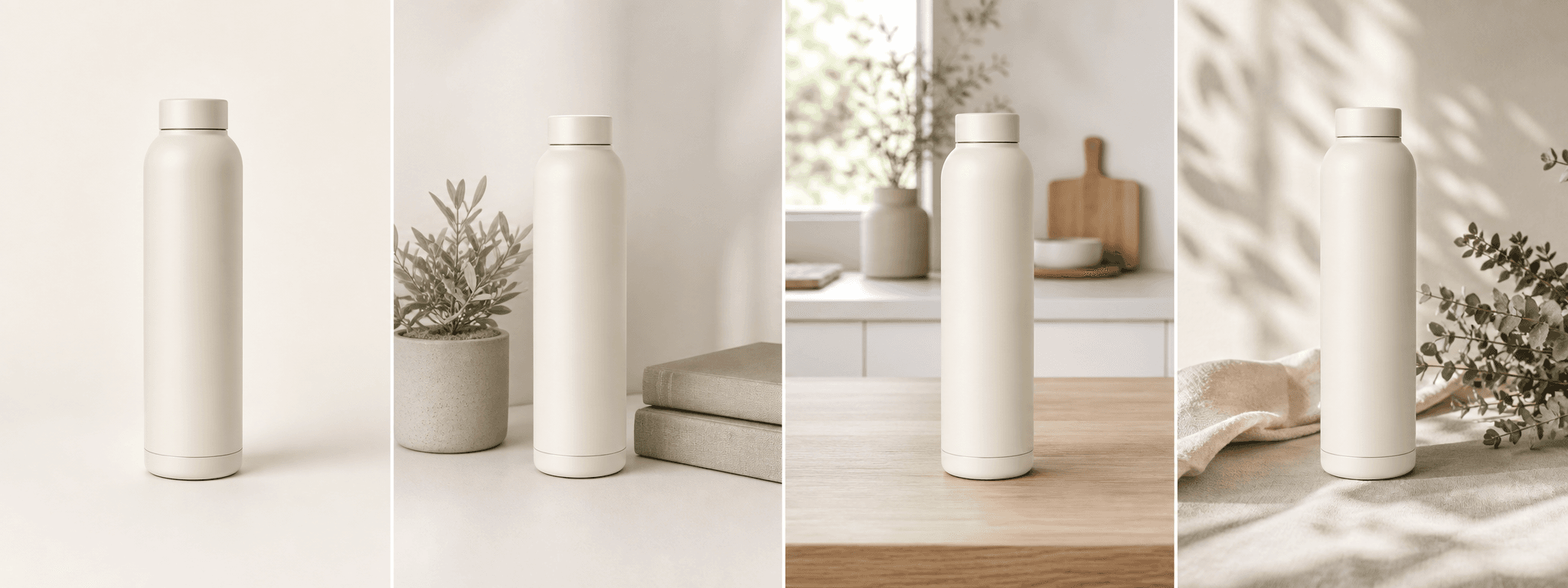
Create four supporting product scenes from one real image while keeping condition, quantity, color, labels, and included parts grounded in reality.
Direct answer
eBay buyers rely on listing photos to judge identity, condition, quantity, included parts, wear, packaging, and scale. Real photos of the exact item remain essential, especially for used, collectible, one-of-a-kind, or condition-sensitive listings.
ShopPhoto AI can create supporting scenes for new products and repeatable inventory. Keep the real item photos in the listing, avoid generated condition evidence, and remove any scene that changes what is included or makes the item look materially different.
Add context for use, scale, gifting, or merchandising around factual listing photos.
Treat real images as evidence and generated scenes only as supporting marketing assets.
Create downloadable files without sharing eBay credentials or editing a live listing.
A useful image system
Real photos should answer factual questions. Supporting scenes can help the listing feel more complete.
Help shoppers imagine the product in a relevant setting while preserving real measurements and scale photos.
Create a cleaner visual direction for repeatable new inventory and small-brand listings.
Use accurate scenes in social posts, email, or ads that link back to the listing.
Source photo checklist
The source image should make identity, condition, quantity, and included parts easy to verify.
ShopPhoto AI is not affiliated with eBay and cannot verify listing compliance. Generated scenes should never replace real condition evidence for used, unique, collectible, damaged, or one-off inventory.
No prompt writing required
Choose one clear photo of the real product.
We create four distinct product scenes around it.
Inspect every preview and pay only if the set works.
Clear answers
Review accuracy, source photo, licensing, platform, and pricing details before you begin.
Use generated images only when they accurately represent the item and comply with current eBay policy. Keep real photos of the exact item, especially when condition, wear, authenticity, or included parts matter.
eBay currently requires at least one photo with 500 pixels on the longest side. Higher-resolution real photos are generally more useful for zoom and condition review.
It should not. Removing wear, scratches, damage, discoloration, or missing parts can misrepresent the listing. Use untouched real photos for all condition evidence.
No. It only creates downloadable image files. You remain in control of listing creation, image order, description, and policy compliance.
Four watermarked previews are free to review. Unlocking all four high-resolution images costs $4.99 once with no recurring subscription.
Keep exploring
See the result first
Upload one clear real-item photo, inspect every generated detail, and pay only if the set stays truthful.
Create four free previews