From one photo to four beautiful scenes.

ShopPhoto AI turns a simple product image into polished, ready-to-use photography in three easy steps.

1

Upload your product

Upload one clear product image on a simple background.
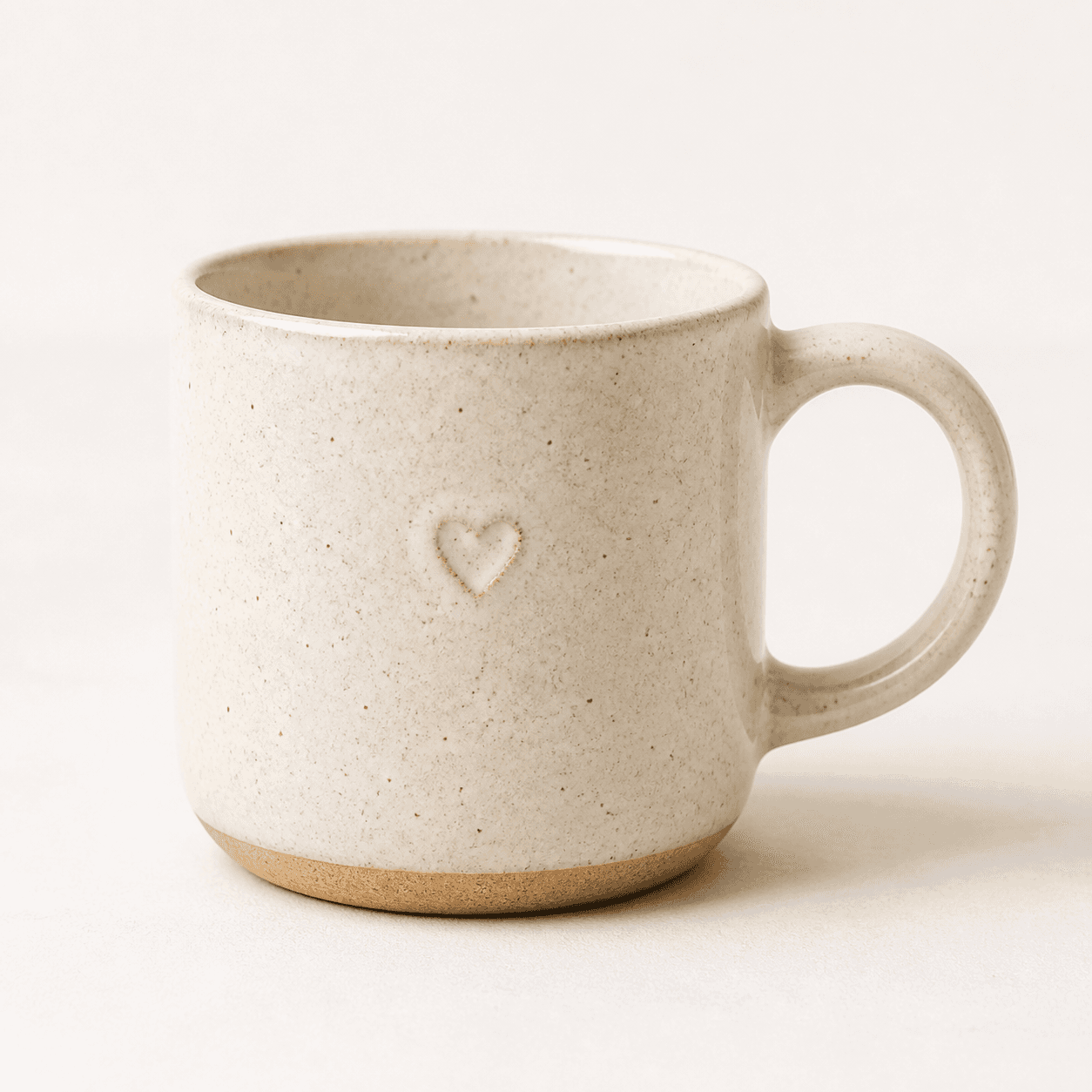
A ceramic mug on a simple background
Tip: Use even lighting and avoid harsh shadows.
2

We create four scenes

Our AI styles your product into four warm, natural, on-brand scenes.
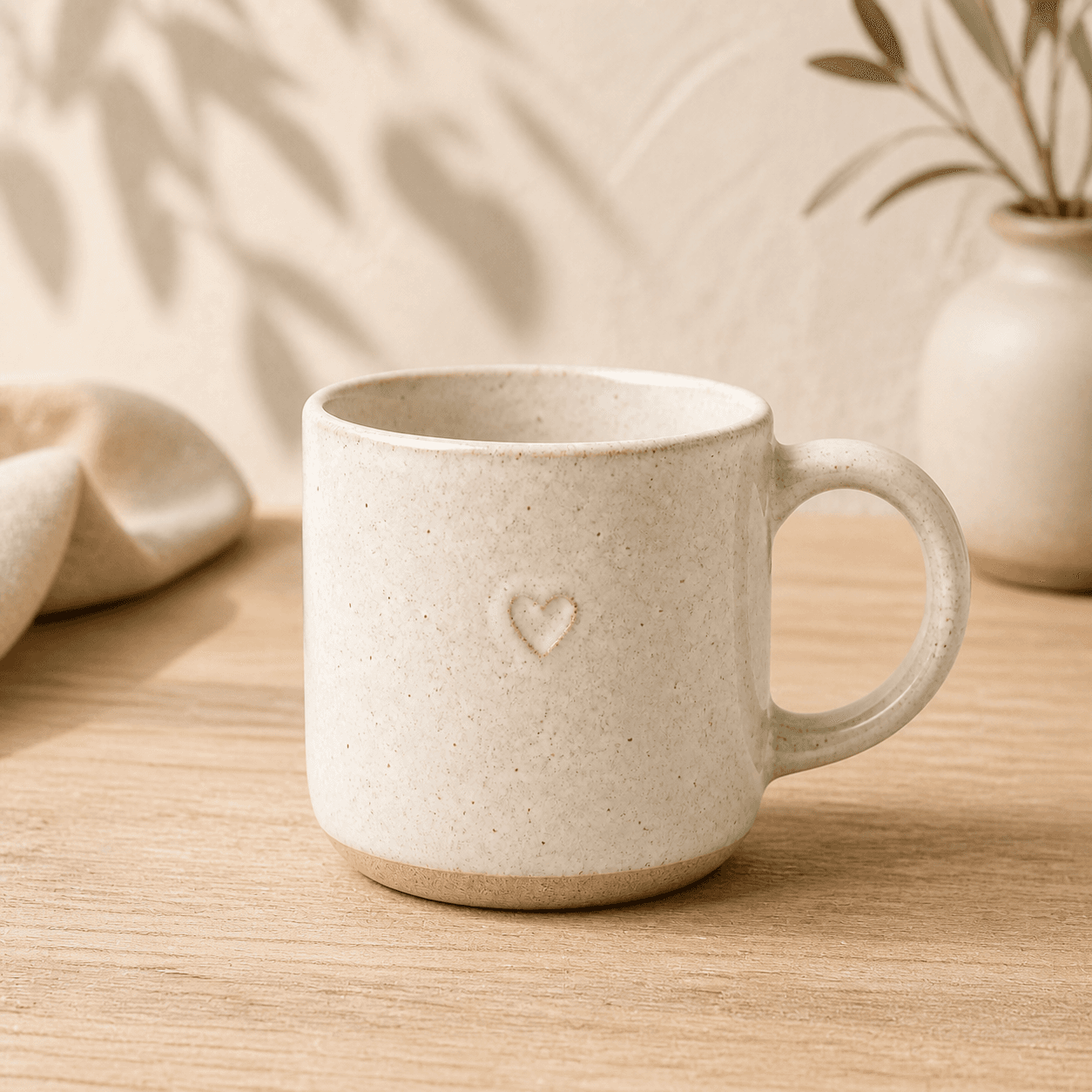
Ceramic mug in warm window light
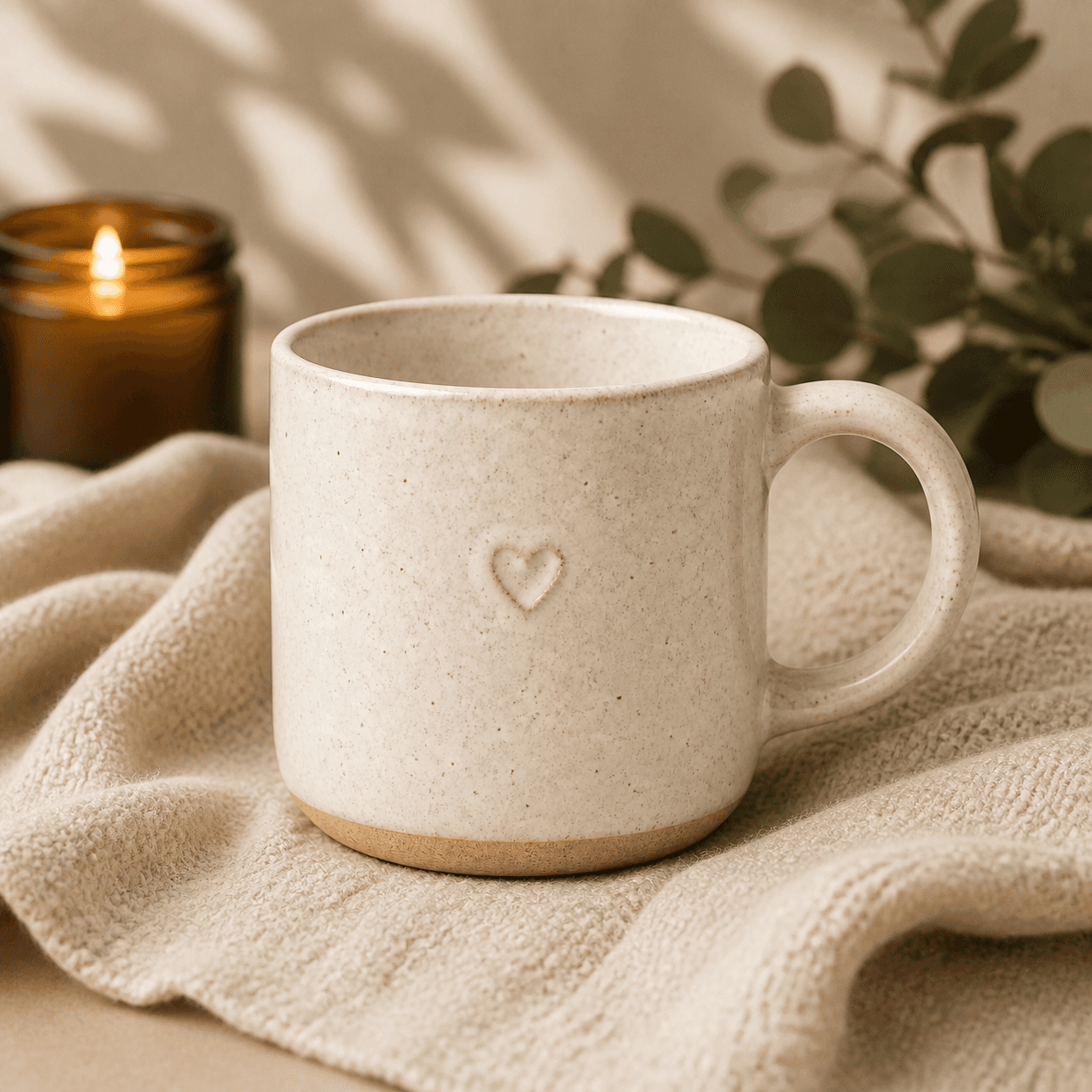
Ceramic mug beside a candle and leaves
Ceramic mug in a calm handmade studio
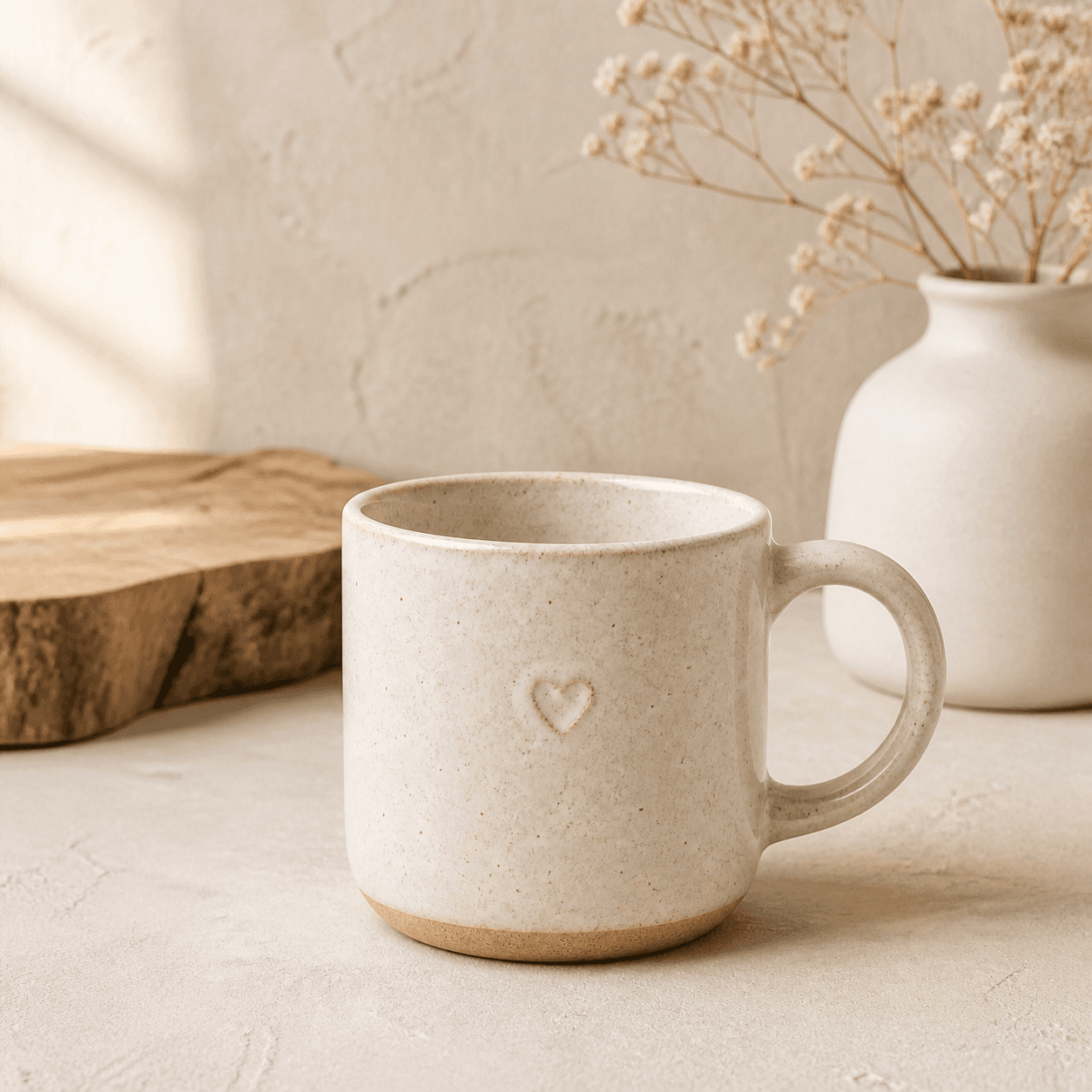
Ceramic mug on a wooden tray with dried flowers
Tip: Scenes are curated to highlight your product.
3

Preview, pay & download

Preview your images, then pay only if you love them. Download instantly.

Ceramic mug in warm window lightShopPhoto AI Preview
Ceramic mug beside a candle and leavesShopPhoto AI Preview
Ceramic mug in a calm handmade studioShopPhoto AI Preview
Ceramic mug on a wooden tray with dried flowersShopPhoto AI Preview
$4.99Download all 4 images
Tip: All images are high-resolution and ready to use.

What you’ll receive

Four high-resolution images styled for your brand and ready to use across every channel.

Clean Studio product photography style

Clean Studio

A crisp, minimal scene for catalog-style product pages.

Natural Lifestyle product photography style

Natural Lifestyle

Warm, everyday settings that feel authentic.

Handmade Detail product photography style

Handmade Detail

Close, textured scenes that show the craft.

Gift Ready product photography style

Gift Ready

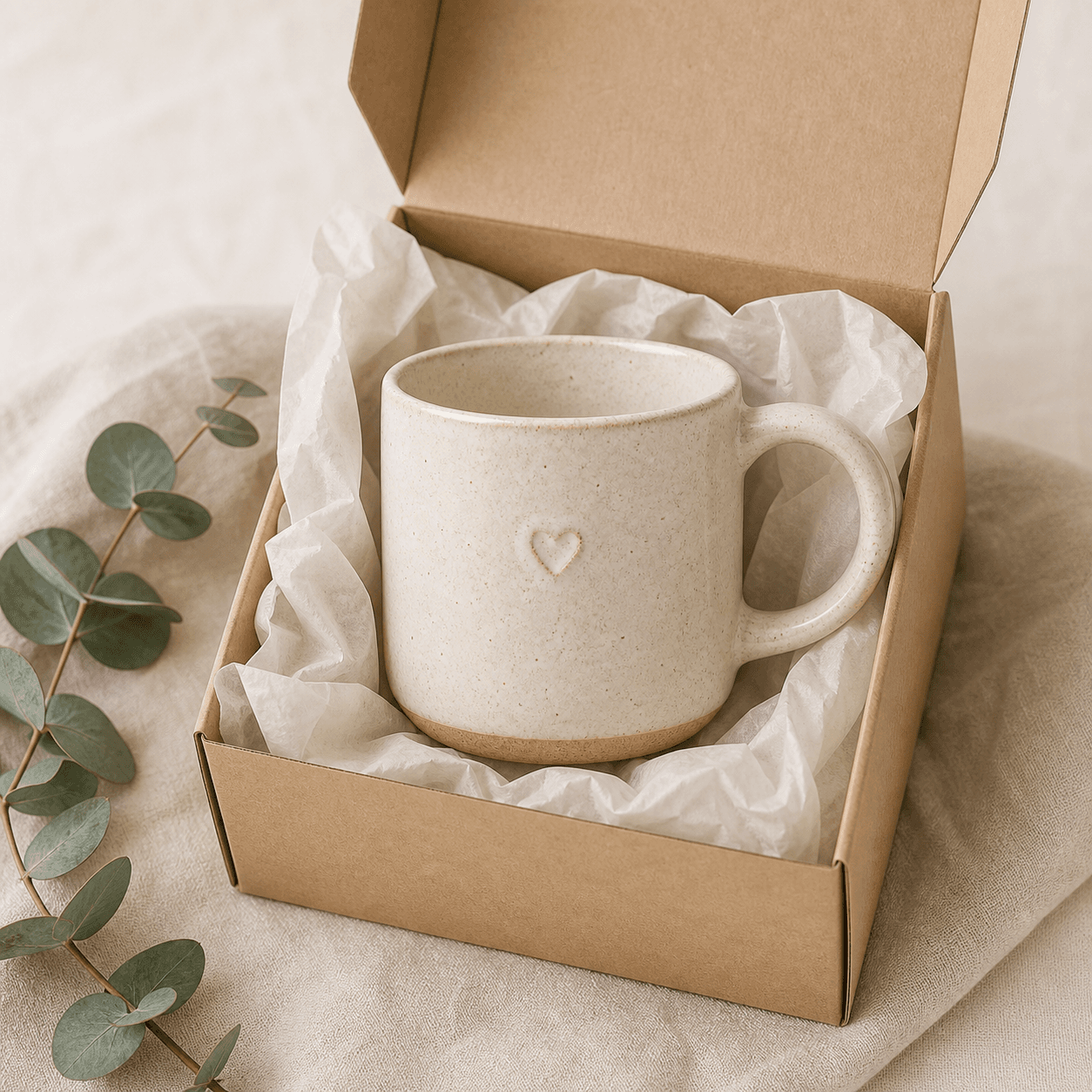
The product presented in a restrained, gift-ready setting.

Create your free preview
No signupNo subscriptionPay only if you love the results