Ecommerce gallery planning · reviewed August 5, 2026
An ecommerce product photography shot list that earns every frame.
Plan image roles before shooting so the gallery answers buyer questions instead of repeating the same product crop.
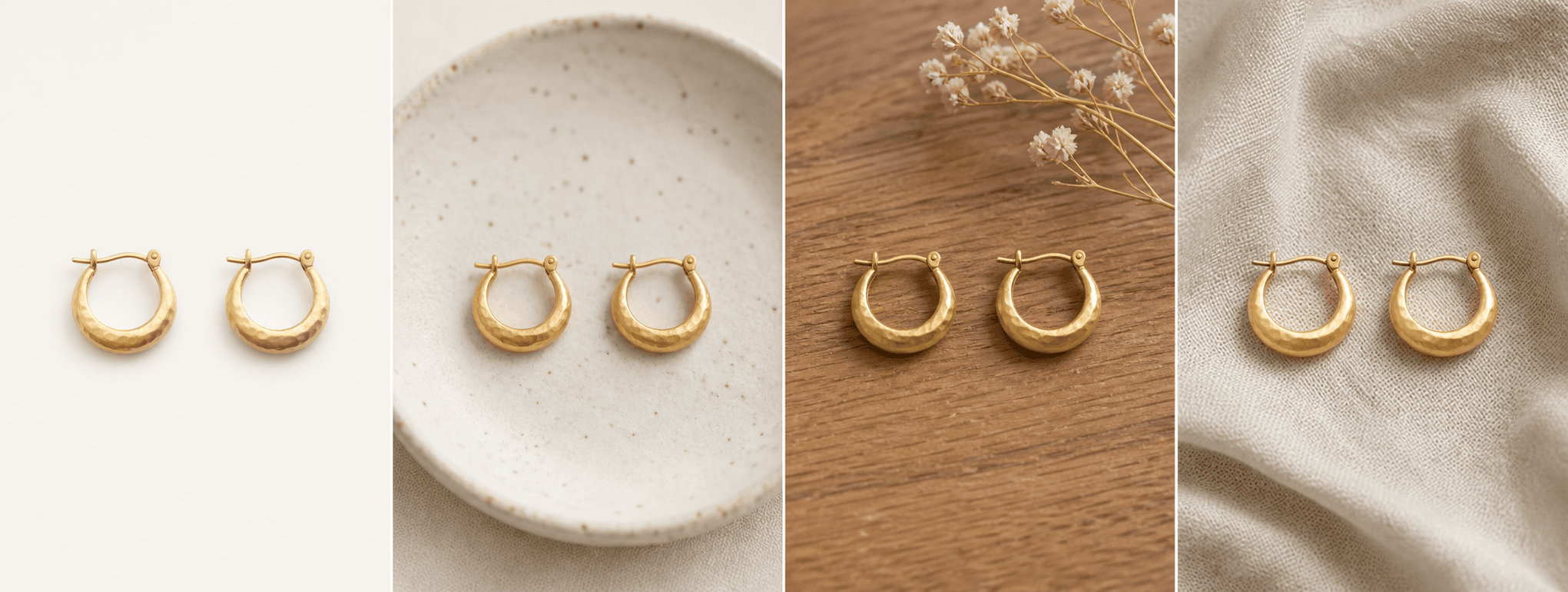
Quick answer
Which product photos does an ecommerce listing need?
Most listings benefit from a clear hero, alternate angle, detail view, scale or dimensions, in-use context, packaging or included contents, and any truthful variation or care information. The exact number matters less than whether each image answers a buyer question.
Create the shot list from the product page backward: identify the doubts a shopper has before purchase, then assign one image or graphic to each doubt. Keep real photos for factual evidence and use generated scenes only where accurate context adds value.
Platform rules and interfaces can change. Use the linked primary sources as the final authority, then test the result in the marketplace or storefront you actually use.
The essential seven
Give every gallery position a clear responsibility.
The hero confirms identity. Alternate angles explain construction. Detail views show material and finish. Scale prevents size surprises. In-use context explains fit or environment. Packaging shows what arrives. A final options or care image answers a category-specific question.
Not every product needs all seven roles. Remove irrelevant shots and add category-specific evidence such as closures for jewelry, applicators for cosmetics, labels for food, or condition close-ups for resale items.
- Hero product image
- Alternate angle or back view
- Material and construction detail
- Scale, dimensions, or fit reference
- Lifestyle or in-use context
- Packaging and included contents
- Options, care, compatibility, or condition
One asset system, several channels
Capture once, compose for each placement.
A marketplace main image, Shopify product gallery, collection card, email banner, social post, and paid ad may use different crops and text rules. Keep high-quality masters with safe negative space so the same truthful photography can be adapted without cutting off the product.
Record horizontal, square, and vertical possibilities during the shoot when the campaign needs them. Do not stretch one file or force a tight hero crop into every channel.
- Marketplace-compliant product-first hero
- Square or consistent catalog card crop
- Portrait social and story crop
- Landscape email, banner, or ad crop
Hybrid production
Separate factual evidence from generated context.
Shoot real images for identity, condition, color, scale, dimensions, labels, packaging, included parts, and any visual claim. Generated scenes can help with lifestyle, mood, launch, and gift context when the product remains accurate.
Review generated output at full size and retain the source beside it. If the scene changes a component or makes an unverified claim, replace it with the real image or regenerate it.
A shorter gallery with seven purposeful, truthful images is stronger than twenty attractive frames that repeat the same information.
Before you publish
Ecommerce shot-list checklist
Use this before the shoot and again before the listing goes live.
- Every planned image answers a named buyer question.
- The hero accurately identifies the product, quantity, color, and included parts.
- Detail, scale, packaging, condition, and compatibility are covered where relevant.
- Master files leave enough space for marketplace, store, mobile, social, and ad crops.
- Generated scenes are limited to accurate supporting context.
- Filenames, alt text, image order, compression, and channel rules were reviewed.
Primary references