Ecommerce gallery examples · reviewed August 6, 2026
The best product photos answer a different buyer question each.
Build a gallery around identification, detail, scale, use, packaging, and context instead of filling every slot with another attractive angle.
Quick answer
What makes a good product photo?
A good product photo makes one important fact easy to understand: what the item is, how it looks from another angle, what the material or construction is like, how large it is, how it is used, what arrives in the package, or how it fits into a real setting.
The strongest ecommerce gallery combines accurate real-product evidence with carefully selected supporting context. Each image should reduce a specific uncertainty. If two photos answer the same question, replace one with a missing view.
Platform rules and interfaces can change. Use the linked primary sources as the final authority, then test the result in the marketplace or storefront you actually use.
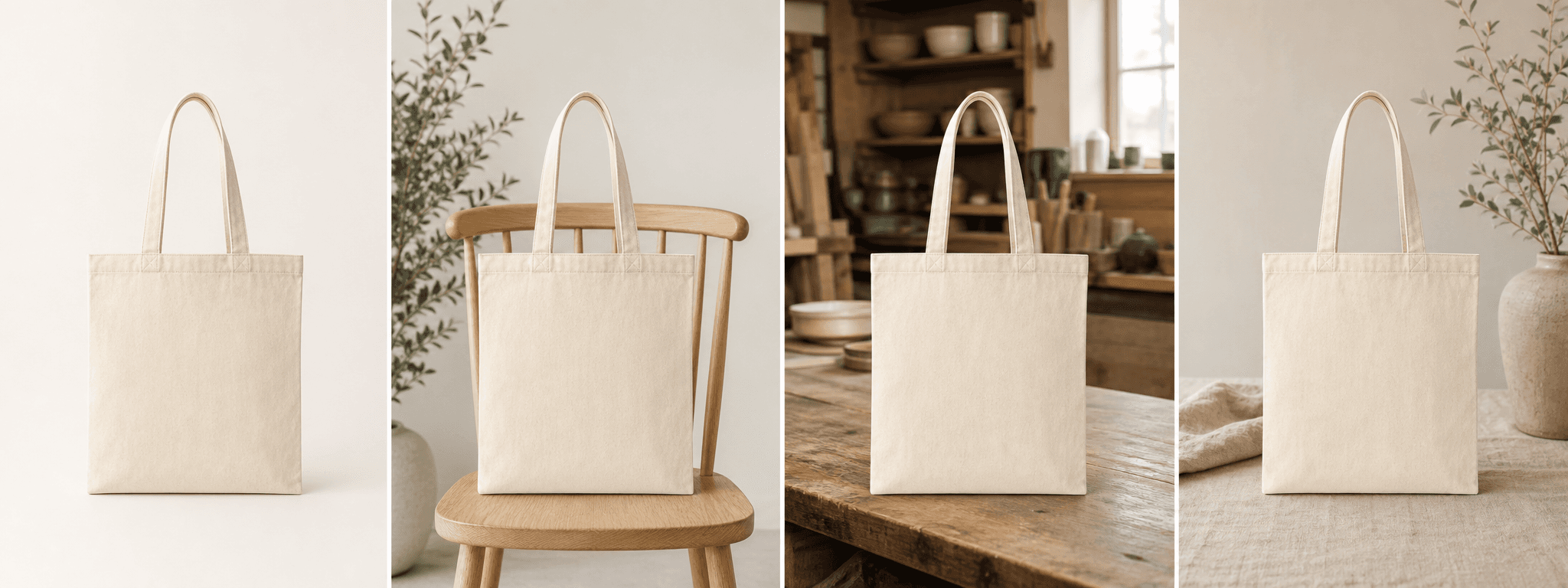
Examples 1–4
Start with images that prove the product.
The hero image identifies the item quickly with a clean composition and readable silhouette. An alternate angle reveals depth and construction. A detail image shows texture, hardware, labels, seams, finish, or controls. A scale image uses dimensions, a familiar object, a hand, or an accurate environment to make size understandable.
These images carry the factual burden of the listing. Capture them from the real item and keep color, quantity, condition, proportions, and included components truthful.
- Hero: clear identification and crop-safe composition
- Alternate angle: depth, back, side, closure, or underside
- Detail: material, construction, label, hardware, or texture
- Scale: dimensions or a truthful familiar reference
Examples 5–8
Add context that explains use and ownership.
A use image demonstrates the real interaction or operating state. A lifestyle image places the product in a believable environment. A packaging image shows exactly what arrives. A comparison or options image explains sizes, colors, variations, compatibility, or bundle contents without forcing the buyer to infer the difference from text.
Supporting images can be physically photographed, designed from accurate assets, or generated with AI when every product detail and implied claim is reviewed against the real item.
- Use: how the item is held, worn, opened, placed, or operated
- Lifestyle: where the product belongs and who it serves
- Packaging: box, wrap, included contents, and gifting
- Comparison: size, option, bundle, or compatibility differences
Build the gallery
Order images by the customer’s decision sequence.
Lead with fast identification, then reveal the product, answer the highest-risk detail, establish scale, show use, add lifestyle context, and finish with packaging or options. The exact order changes by category: jewelry may need macro detail early, furniture needs scale, and a giftable handmade product may benefit from packaging context.
Review the gallery as thumbnails on mobile. Repetition becomes obvious when several frames share the same distance, angle, and background. Replace decorative duplicates with an unanswered buyer question.
A beautiful image that hides product evidence can be useful for a campaign but weak inside a buying-decision gallery.
Before you publish
Best product photo gallery checklist
Give every image one primary purpose.
- The hero identifies the exact product clearly at thumbnail size.
- At least one alternate angle reveals construction or depth.
- Important materials, labels, hardware, and texture are shown close up.
- Scale, use, packaging, and included contents are not left to guesswork.
- Lifestyle images remain believable and accurate to the real item.
- The mobile gallery has visual variety without redundant decorative frames.
Primary references