Marketplace image guide · reviewed August 5, 2026
Amazon product image requirements, made practical.
Plan a factual main image, stronger supporting gallery, and safer review process before you publish.
Quick answer
What should an Amazon product image set include?
Start with a clear, accurate main image that shows the product buyers will receive. Then use supporting images to explain use, scale, packaging, material, detail, and relevant context. The exact requirements can vary by marketplace and category, so Seller Central remains the final authority.
AI-generated scenes are safest as supporting visuals, not as replacements for factual product evidence. Reject any image that changes the item, quantity, accessories, label, condition, dimensions, ingredients, certification, or claims.
Platform rules and interfaces can change. Use the linked primary sources as the final authority, then test the result in the marketplace or storefront you actually use.
The listing hero
Keep the main image factual and product-first.
The main image has one job: let a shopper identify the exact product quickly. Use a high-resolution real photograph with clean separation, readable shape, accurate color, and all included components represented truthfully.
Avoid building the main image around decorative props, lifestyle context, text overlays, comparison claims, or accessories that are not included. Category-specific policies may add stricter rules, so check the applicable Seller Central guidance before upload.
- Show the product buyers actually receive
- Keep quantity and included parts unambiguous
- Preserve true color, proportions, packaging, and labels
- Leave enough resolution for zoom and detail review
The rest of the gallery
Use supporting images to answer buyer questions.
A useful gallery moves from identification to understanding. After the main image, show scale, important detail, the product in an honest use context, packaging, what is included, and any factual dimensions or features that buyers compare.
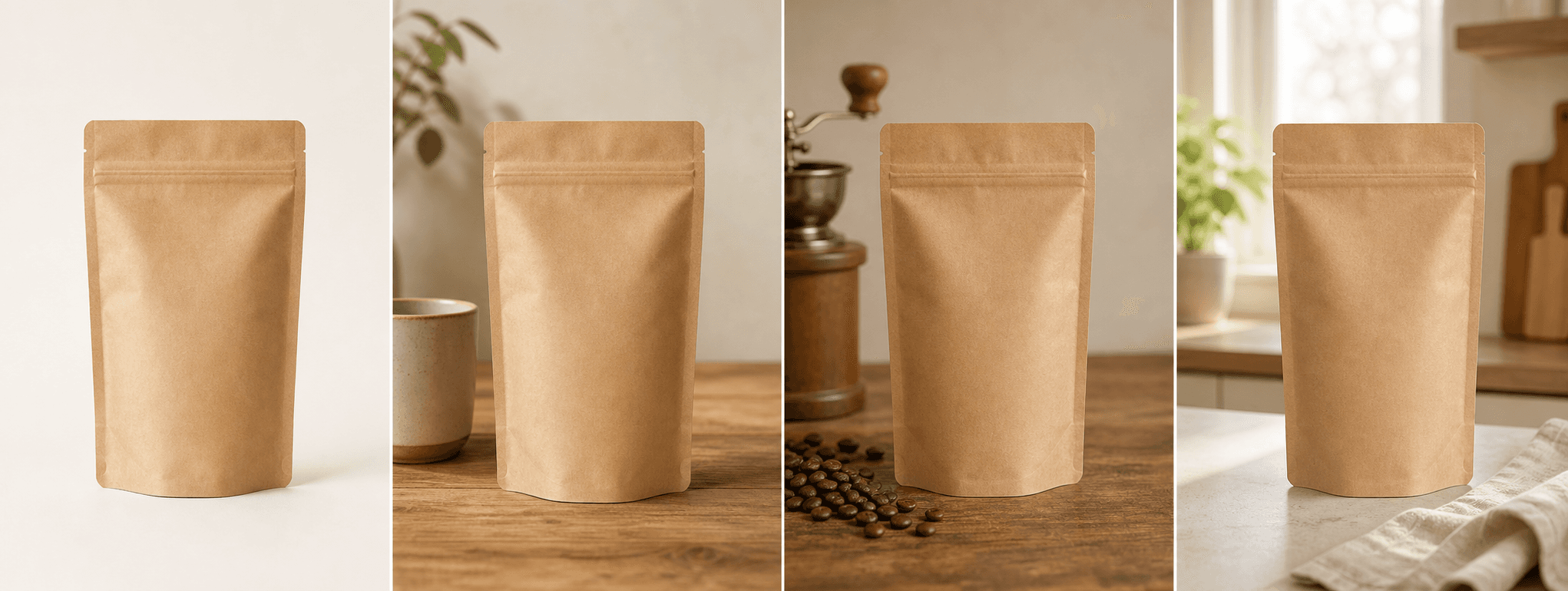
Lifestyle scenes should clarify where the product belongs rather than hide it behind mood. If an AI scene cannot preserve visible product identity, it should not be published.
- Lifestyle or in-use context
- Material, texture, closure, and construction detail
- Scale and dimensions using verified information
- Packaging, bundle contents, and included accessories
AI image safety
Review generated scenes like a skeptical buyer.
Compare every generated image side by side with the source photo at full size. Small text, logos, model numbers, hardware, ports, seams, ingredients, certifications, and package quantities are common places where generative output can drift.
Keep the original source and a record of what was reviewed. When accuracy is uncertain, use the real photo instead. Visual polish never outweighs truthful representation.
ShopPhoto AI does not certify Amazon compliance. Sellers are responsible for the current rules of their marketplace, category, advertising placement, and product type.
Before you publish
Amazon product image publishing checklist
Run this review on the full image set, not only the main image.
- The main image accurately shows the product, quantity, color, and included parts.
- Supporting scenes do not add accessories, features, ingredients, or claims.
- Labels, logos, model numbers, warnings, and packaging text remain truthful.
- Scale and dimensions use verified product data.
- Every file is sharp enough for its intended placement and crop.
- Current marketplace and category-specific requirements were checked in Seller Central.
Primary references