Product-first scene generation
Use the uploaded package, silhouette, color, label, and visible construction as the reference for every scene.
For marketplace sellers and small brands
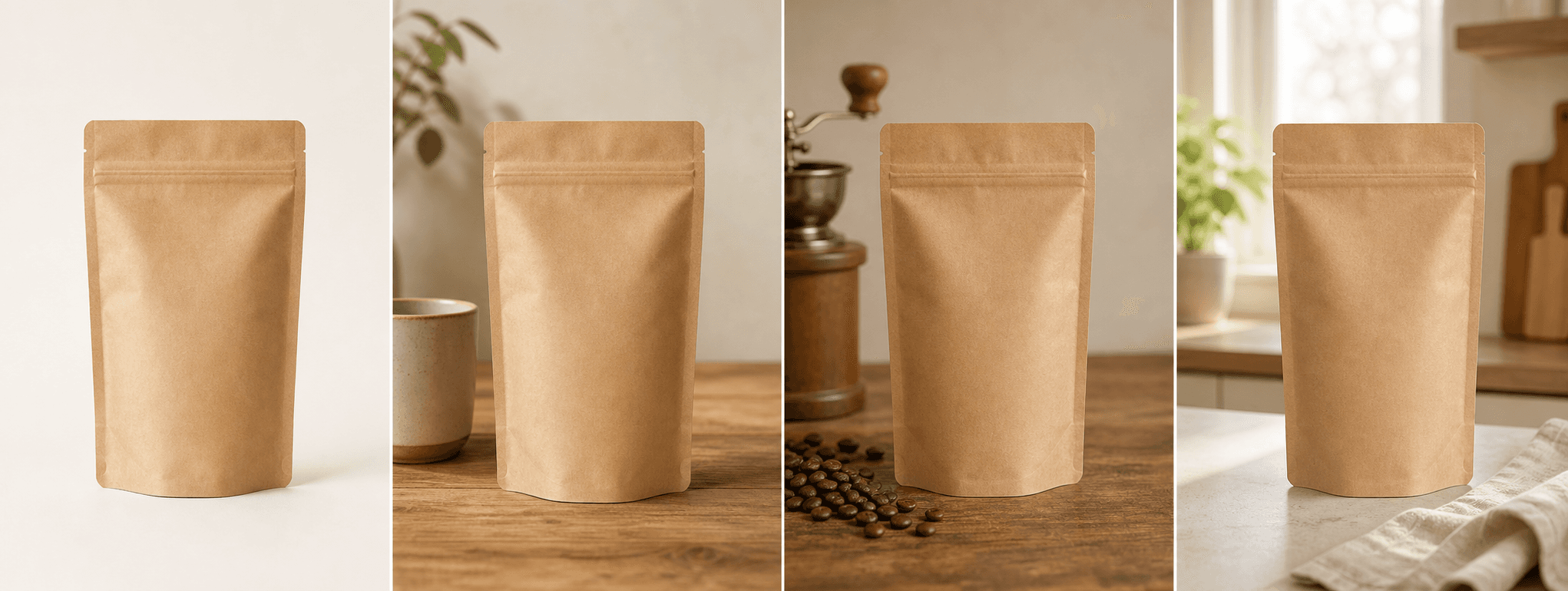
Create four product-first scenes for supporting listing images, storefront content, launches, and ads—then inspect every detail before download.
Direct answer
Amazon listings need an accurate main image and supporting images that explain scale, context, use, packaging, and important details. ShopPhoto AI helps with the supporting visual layer by creating four scenes around one photographed product.
Generated scenes are not guaranteed to satisfy every category rule and should not be used to invent features, quantities, accessories, or claims. Keep a compliant real main image, compare each generated result with the source, and verify current Amazon guidance before publishing.
Use the uploaded package, silhouette, color, label, and visible construction as the reference for every scene.
Add lifestyle, detail-led, and gift-ready context instead of repeating the same catalog crop.
Inspect watermarked previews at full size and unlock the set only when it remains accurate.
A useful image system
Use a truthful real main image first, then build a supporting gallery that answers buyer questions.
Show where the product belongs or how it fits into an everyday routine without implying unsupported performance.
Create visual emphasis around finish, texture, closure, packaging, or craftsmanship while retaining factual close-ups.
Reuse accurate scenes in storefront modules, launch posts, email, and advertising after checking each placement.
Source photo checklist
A clean factual reference makes it easier to detect changes before a generated scene reaches a listing.
ShopPhoto AI is independent from Amazon. It does not certify image compliance or publish to Seller Central. The seller remains responsible for current marketplace, category, advertising, and product-accuracy requirements.
No prompt writing required
Choose one clear photo of the real product.
We create four distinct product scenes around it.
Inspect every preview and pay only if the set works.
Clear answers
Review accuracy, source photo, licensing, platform, and pricing details before you begin.
Use a real, compliant product-first image for the safest main-image workflow. Generated scenes are better treated as supporting images, and you should verify the current requirements for your category and marketplace before publishing.
No. ShopPhoto AI creates downloadable image files. You decide which accurate images to use and upload them through your own Seller Central account.
The current workflow creates product scenes rather than designed infographic panels. Add verified dimensions, features, and text in a separate design step using factual product data.
Compare label text, logo, color, product count, included accessories, dimensions, package geometry, closures, materials, and any visible safety or regulatory information with the real product.
You can review four watermarked previews for free. Unlocking the four high-resolution commercial-use files costs $4.99 once, with no subscription.
Keep exploring
See the result first
Upload one real product photo and review every scene before deciding whether to unlock the set.
Create four free previews