Shelf-ready context
Create clean product-first scenes for pouches, cartons, jars, bottles, and tins.
For packaged goods and small brands
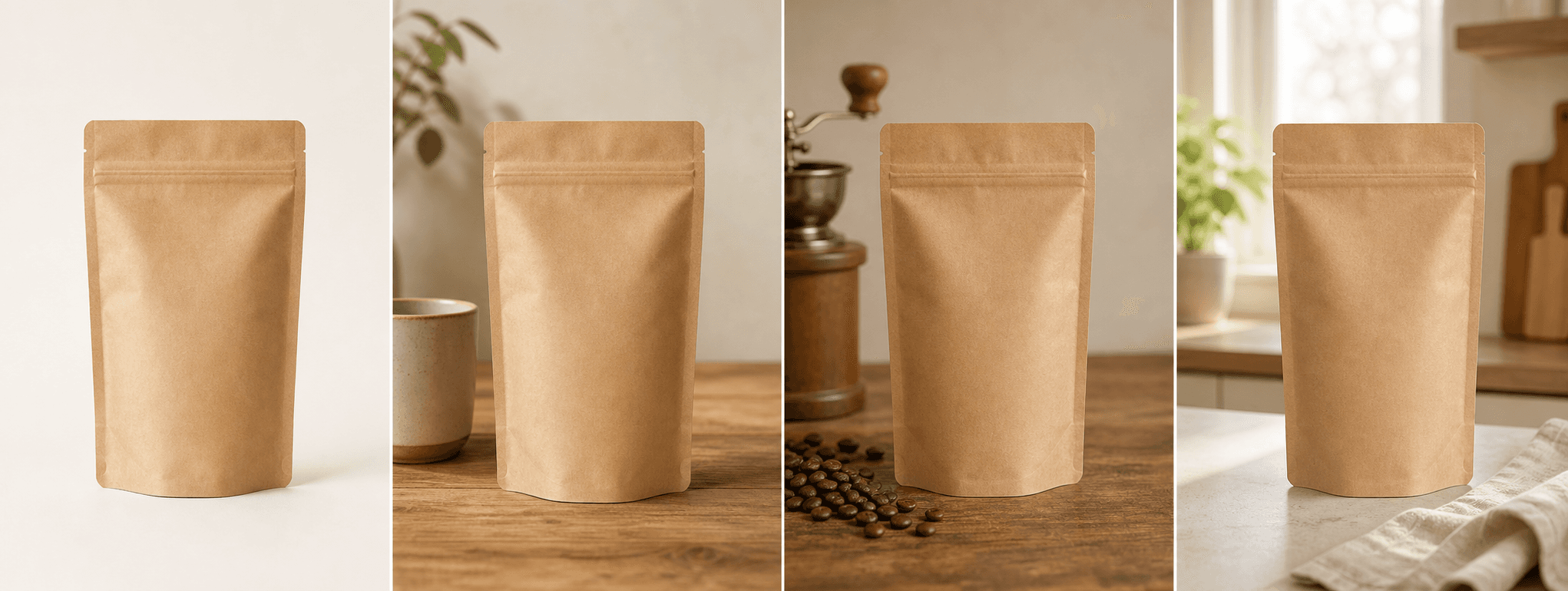
Create four commercial scenes for pouches, boxes, bottles, jars, and tins while keeping visible package identity central.
Direct answer
Packaging is part of the product. Shape, dielines, seams, closures, windows, labels, color, quantities, certifications, and regulatory copy can all affect what a shopper believes they are buying.
ShopPhoto AI creates four product scenes around one real package image. Because generative systems can alter small text and geometry, keep real package views and label close-ups in the listing and remove any scene that changes factual information.
Create clean product-first scenes for pouches, cartons, jars, bottles, and tins.
Explore lifestyle, detail-led, and gift-ready settings without rebuilding a set.
Inspect labels, closures, seams, windows, and included items before purchase.
A useful image system
Use generated scenes as merchandising layers around truthful package documentation.
Keep the package silhouette, label hierarchy, color, and closure easy to scan.
Place the package in a relevant setting without implying unsupported contents or benefits.
Create a launch or unboxing scene while showing only the products actually included.
Source photo checklist
A sharp source lets you identify when generation changes information or construction.
Generated packaging text is not authoritative. Use real package photography for ingredients, quantities, certifications, warnings, barcodes, claims, and regulatory information.
No prompt writing required
Choose one clear photo of the real product.
We create four distinct product scenes around it.
Inspect every preview and pay only if the set works.
Clear answers
Review accuracy, source photo, licensing, platform, and pricing details before you begin.
Photograph one complete pouch, box, bottle, jar, or tin in neutral light. Keep the label, logo, quantity, closure, seam, window, edge, and visible contents sharp and unobstructed.
Check package shape, label text, claims, quantity, seams, closures, windows, seals, logos, colors, barcodes, and included items. Keep real regulatory and label images available to shoppers.
No. Small text and symbols can change. Keep real label close-ups and reject generated images that alter ingredients, claims, quantities, certifications, warnings, or branding.
A scene should not imply that additional products are included unless they are part of the actual offer. Use real bundle references when contents and quantities matter.
Yes. Unlocked images include commercial use for product listings, stores, ads, email, and social posts. You remain responsible for accurate product representation and channel-specific rules.
No. Generate four watermarked previews for free, then pay $4.99 once only if you want to unlock the complete high-resolution set.
Keep exploring
See the result first
Upload one real package image and inspect every label and construction detail before purchase.
Create four free previews