More complete product galleries
Add clean, lifestyle, detail, and gift-ready images around truthful photos of the item you sell.
For independent ecommerce stores
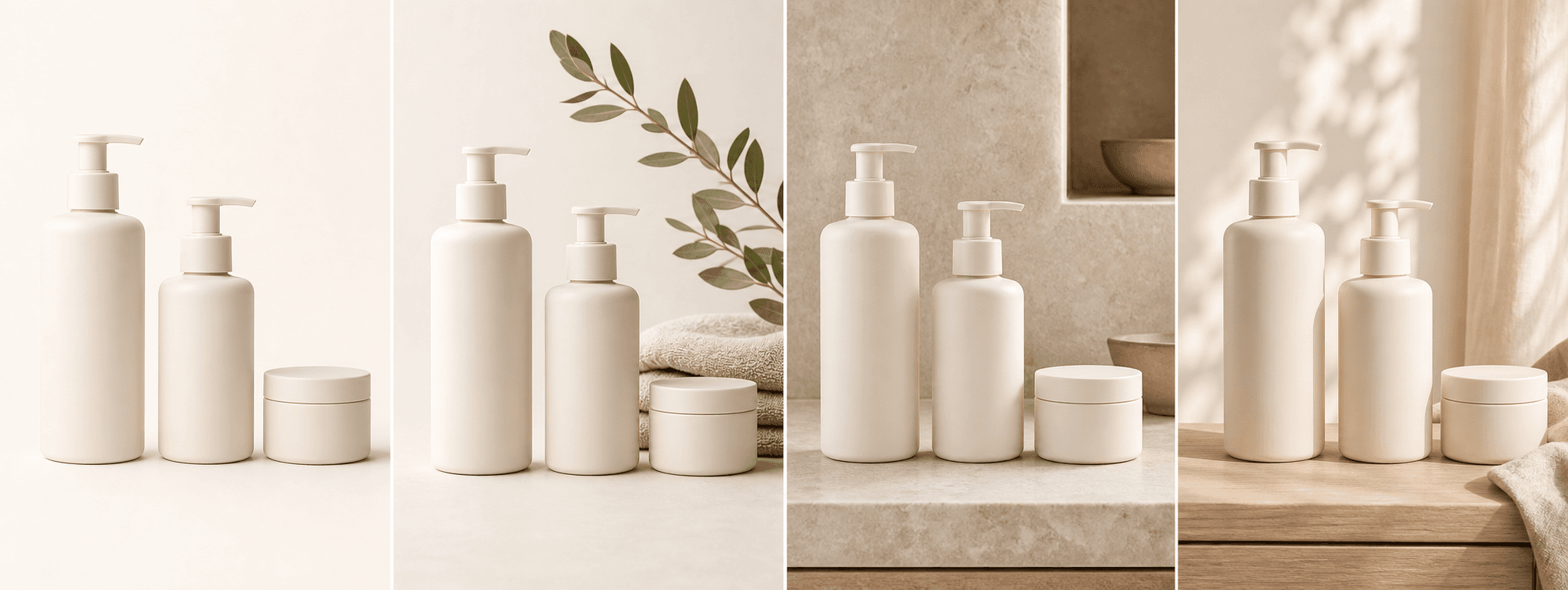
Turn one real item photo into four consistent ecommerce scenes for product pages, collections, launches, and social promotion.
Direct answer
A Shopify product page often needs a clear first image, supporting lifestyle context, useful detail, and campaign-ready variation. Small stores can struggle to produce that complete set for every SKU while keeping the visual style consistent.
ShopPhoto AI creates four downloadable scenes from one real product image. It does not publish to Shopify or rewrite your catalog; you review the images, unlock the set you like, and upload the appropriate files to your store yourself.
Add clean, lifestyle, detail, and gift-ready images around truthful photos of the item you sell.
Use the same four-scene workflow across products instead of improvising a new setup for every listing.
Preview the set first, then unlock four commercial-use images for one $4.99 payment.
A useful image system
Choose each image for a specific store surface and check the crop inside your active Shopify theme.
Combine a recognizable product-first image with supporting scenes that explain context and finish.
Use a consistent visual direction so products feel related when shoppers scan a collection grid.
Reuse selected scenes in launch emails, organic posts, and paid creative after checking channel crops.
Source photo checklist
A clear source and enough visual breathing room make the final set easier to reuse across store layouts.
ShopPhoto AI is an independent service and is not affiliated with or endorsed by Shopify. Store owners are responsible for image accuracy, accessibility text, performance, and compliance with their sales channels.
No prompt writing required
Choose one clear photo of the real product.
We create four distinct product scenes around it.
Inspect every preview and pay only if the set works.
Clear answers
Review accuracy, source photo, licensing, platform, and pricing details before you begin.
Yes. Purchased images include commercial use. Download the files, choose the scenes that accurately represent your item, and upload them through your Shopify product editor.
No. The MVP is a standalone generator and does not request access to your store. You manage product publishing and image order yourself.
Use the clearest and most accurate image for the actual item. Lifestyle and gift-ready scenes usually work best as supporting images rather than replacing factual product views.
Themes can crop media differently across product cards, galleries, and mobile screens. Test the image in your active theme and adjust framing or focal position when needed.
No. Four previews are free to review, and the complete high-resolution set costs $4.99 as a one-time purchase.
Keep exploring
See the result first
Start with one real product photo. Review four scenes before choosing whether to unlock them.
Create four free previews