Warm merchandising light
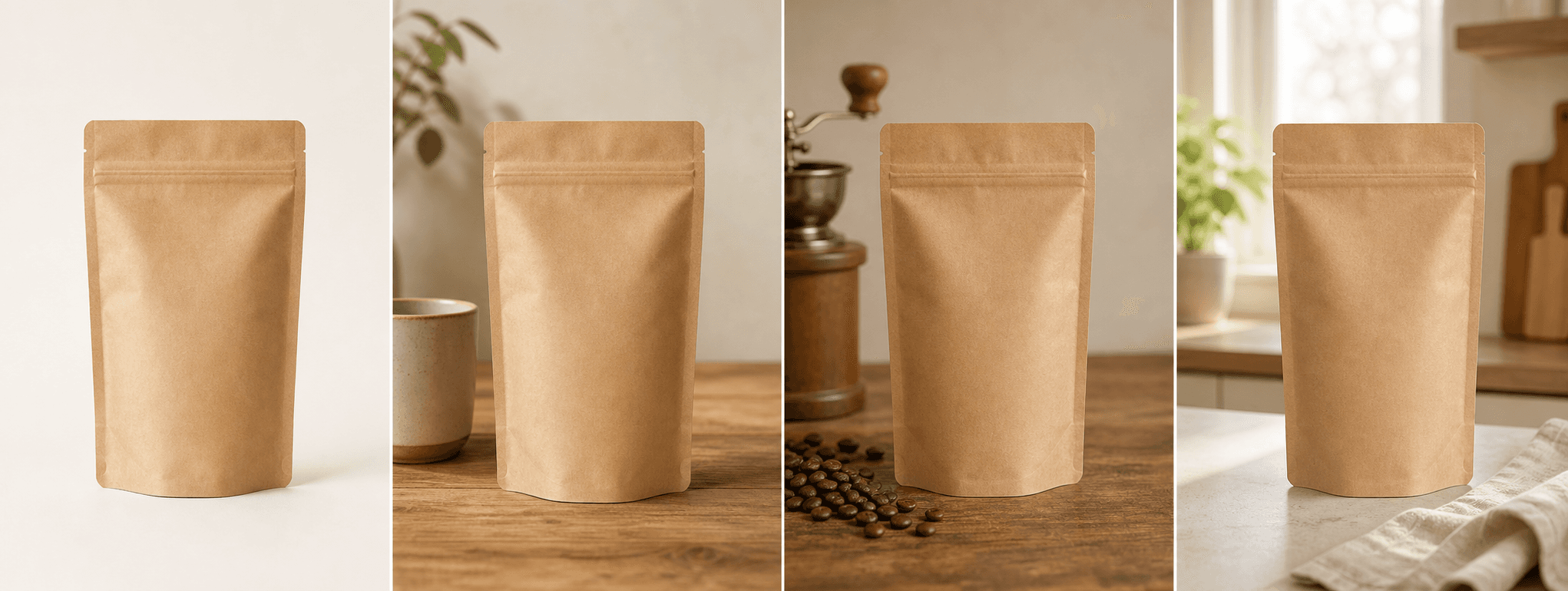
Explore morning light, quiet café surfaces, and tactile materials without a set build.
For roasters and coffee brands
Create four inviting scenes for bags, tins, boxes, and drinkware while keeping the real package and label recognizable.
Direct answer
Coffee photography often combines packaging clarity with an inviting sense of ritual. Warm light, cups, beans, wood, and linen can add atmosphere, but they should not obscure roast information, origin, weight, certification, or the actual package.
ShopPhoto AI creates four scene directions from one real coffee product image. Use generated props as styling only and keep label close-ups and factual product information readable elsewhere in the listing.
Explore morning light, quiet café surfaces, and tactile materials without a set build.
Keep the pouch, tin, box, closure, and visible label central to the image.
Create scenes for new roasts, subscriptions, bundles, and seasonal gift edits.
A useful image system
Pair generated scenes with real label views and verified coffee information.
Keep package color, silhouette, label position, and closure easy to scan.
Add a cup and warm surroundings without implying an unsupported flavor or origin.
Create an unboxing direction for bundles while keeping included items factual.
Source photo checklist
Coffee packaging contains purchasing details that should not be generated or guessed.
Generated coffee props do not verify roast, origin, tasting notes, ingredients, certification, or serving results. Product copy and real labels remain authoritative.
No prompt writing required
Choose one clear photo of the real product.
We create four distinct product scenes around it.
Inspect every preview and pay only if the set works.
Clear answers
Review accuracy, source photo, licensing, platform, and pricing details before you begin.
Use a straight, well-lit image of one sealed bag, tin, box, or coffee accessory. Make the package shape, closure, valve, brand, roast, origin, weight, and visible label easy to inspect.
Review every label line, logo, package seam, valve, closure, color, weight, roast, origin, and certification mark. Styling props must not imply ingredients or facts absent from the product.
Generated scenes may include supporting coffee props. Use them only when they do not misrepresent ingredients, roast, origin, serving size, or what is included in the purchase.
Small text can change in generative output. Keep real label close-ups in the listing and reject any generated image with altered product information.
Yes. Unlocked images include commercial use for product listings, stores, ads, email, and social posts. You remain responsible for accurate product representation and channel-specific rules.
No. Generate four watermarked previews for free, then pay $4.99 once only if you want to unlock the complete high-resolution set.
Keep exploring
See the result first
Upload one real package or product image and review every warm scene before unlocking it.
Create four free previews