Clean active context
Create desk, kitchen, studio, or everyday carry scenes without a location shoot.
For drinkware and hydration brands
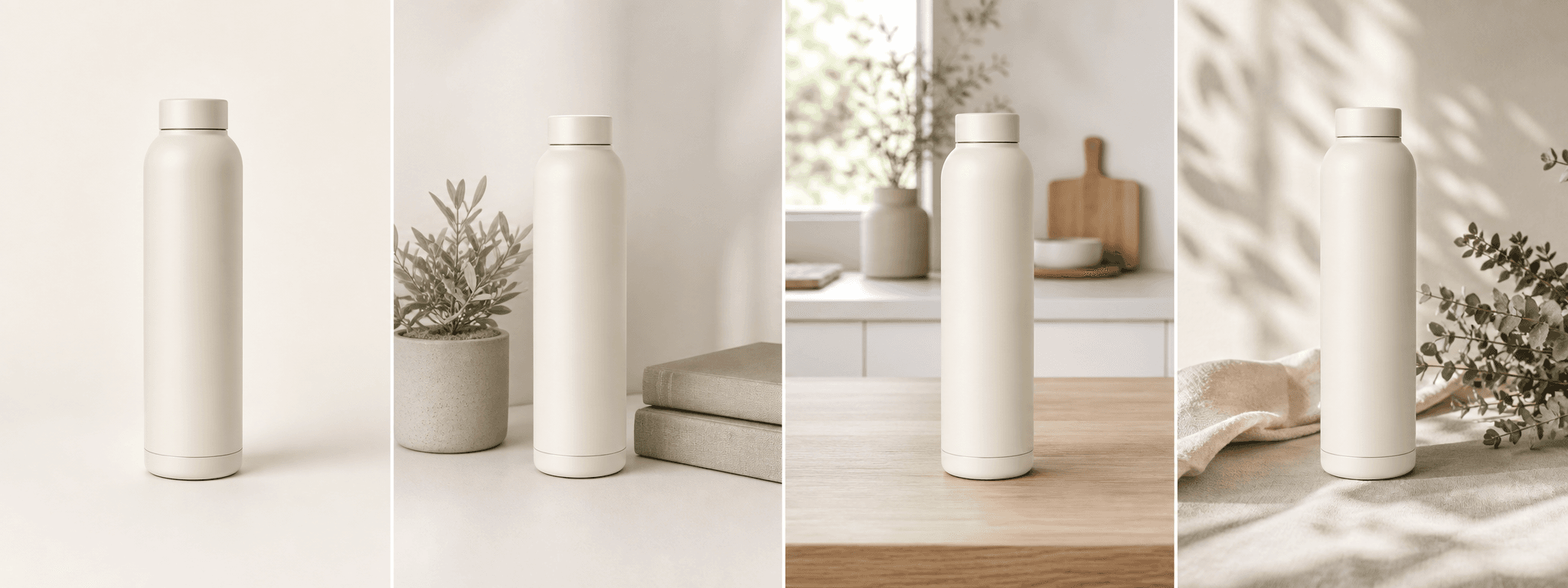
Create four clean scenes for bottles, tumblers, and flasks while preserving visible shape, lid, finish, and logo details.
Direct answer
Drinkware photography should make the silhouette, lid system, mouthpiece, handle, finish, logo, and included parts easy to understand. A lifestyle scene can show context, but it cannot prove insulation, capacity, leak resistance, or durability.
ShopPhoto AI creates clean, natural, detail-led, and gift-ready scenes from one real bottle image. Use separate factual photos and specifications for the lid interior, base, accessories, measurements, and performance claims.
Create desk, kitchen, studio, or everyday carry scenes without a location shoot.
Use soft light to support matte, gloss, metal, glass, or textured surfaces.
Build four supporting directions for product pages, gifting, and launches.
A useful image system
Let generated context add atmosphere while real specifications explain performance.
Keep the bottle shape, finish, lid, handle, and logo readable at a glance.
Suggest a desk, kitchen, bag, or active setting without inventing usage claims.
Create a considered gifting scene while showing only the items actually included.
Source photo checklist
Bottle construction changes are easy to miss when the source photo hides the top or base.
A generated scene does not demonstrate leak resistance, insulation time, food safety, durability, or capacity. Use tested specifications and real detail views for those claims.
No prompt writing required
Choose one clear photo of the real product.
We create four distinct product scenes around it.
Inspect every preview and pay only if the set works.
Clear answers
Review accuracy, source photo, licensing, platform, and pricing details before you begin.
Upload one complete bottle, tumbler, or flask from lid to base. Keep the cap, straw, mouthpiece, handle, logo, finish, and included accessories visible in soft, even light.
Check lid and mouthpiece geometry, straw count, handles, threads, seals, base, logos, color, reflections, and material finish. Use real tests and specifications for performance claims.
No. A generated image cannot prove performance. Only make leak resistance, insulation, durability, or safety claims that are supported by your product testing and documentation.
Do not rely on AI to invent an unseen lid interior or drinking mechanism. Use a real source and real detail photography when the open configuration matters.
Yes. Unlocked images include commercial use for product listings, stores, ads, email, and social posts. You remain responsible for accurate product representation and channel-specific rules.
No. Generate four watermarked previews for free, then pay $4.99 once only if you want to unlock the complete high-resolution set.
Keep exploring
See the result first
Upload one complete bottle image and review the lid, finish, and silhouette in every scene.
Create four free previews