Clean visual language
Explore soft stone, linen, water, and botanical cues without a physical set build.
For skincare and self-care brands
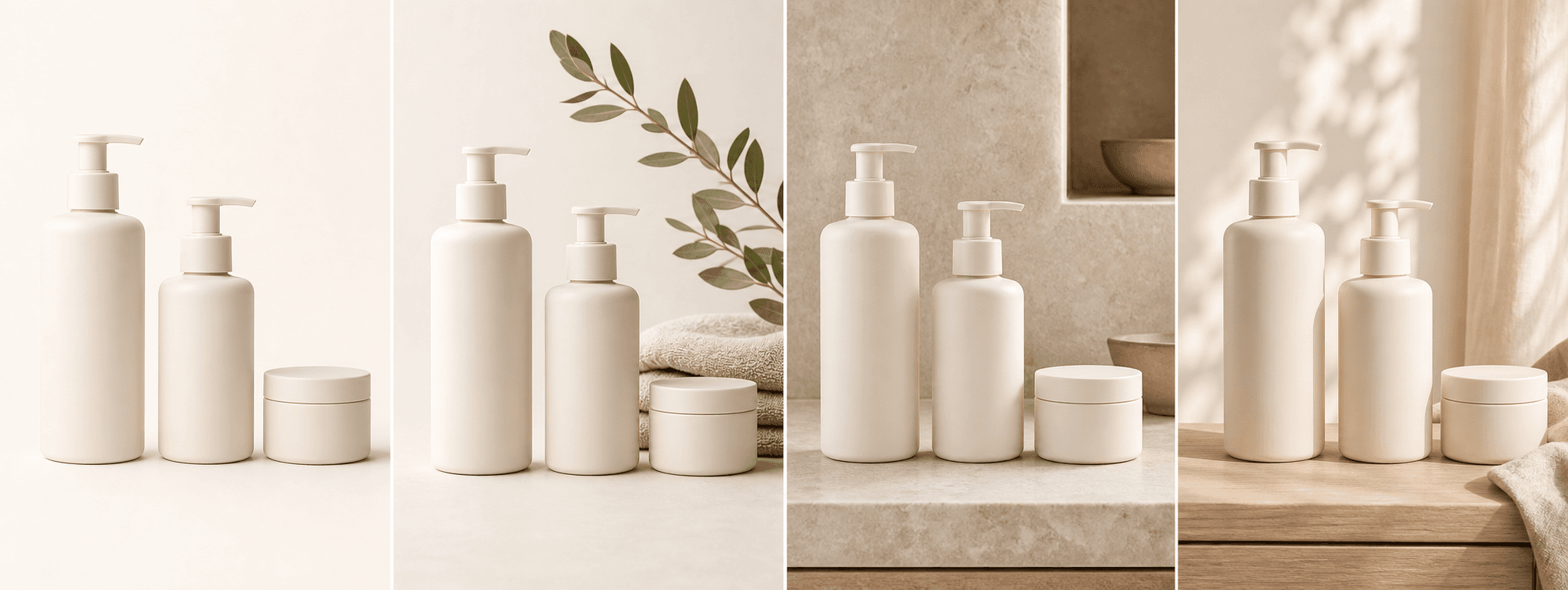
Stage bottles, jars, tubes, and pumps in four natural beauty scenes while keeping the real packaging central.
Direct answer
Skincare images need to balance clarity and atmosphere. Customers should be able to recognize the container, label, dispenser, color, and quantity while the surrounding scene communicates a routine or visual mood.
ShopPhoto AI uses one real item photo to produce clean, lifestyle, detail-led, and gift-ready scenes. Decorative ingredients and props should never be used to imply a formula, benefit, or certification the product does not actually have.
Explore soft stone, linen, water, and botanical cues without a physical set build.
Keep the bottle, jar, tube, pump, cap, and visible label as the scene reference.
Create supporting images for product pages, launches, bundles, and editorial posts.
A useful image system
Give every scene a role while keeping efficacy claims in verified product copy, not decorative imagery.
Use a quiet background to keep packaging color, silhouette, and dispenser easy to scan.
Suggest a bathroom, vanity, or self-care setting without showing an unverified result.
Create an elevated scene for seasonal sets, launches, and thoughtful gifting.
Source photo checklist
Clear edges and readable labels help the system distinguish the real product from its surroundings.
Generated props are visual styling only. They do not verify ingredients, clinical results, sustainability claims, certifications, or product performance.
No prompt writing required
Choose one clear photo of the real product.
We create four distinct product scenes around it.
Inspect every preview and pay only if the set works.
Clear answers
Review accuracy, source photo, licensing, platform, and pricing details before you begin.
Upload one upright, well-lit bottle, jar, tube, or pump against a simple background. Keep the full package visible and make the label, cap, dispenser, color, and finish easy to inspect.
Review label text, cap and pump geometry, nozzle count, reflections, container color, volume markings, logos, and any visible formulation. Remove scenes that imply false ingredients or benefits.
Only when they truthfully match the product formula and do not imply unsupported benefits. Decorative botanicals, fruit, water, or laboratory props can otherwise mislead shoppers.
No. ShopPhoto AI creates product scenes, not evidence of clinical performance or before-and-after results. Use substantiated claims and compliant real evidence for efficacy marketing.
Yes. Unlocked images include commercial use for product listings, stores, ads, email, and social posts. You remain responsible for accurate product representation and channel-specific rules.
No. Generate four watermarked previews for free, then pay $4.99 once only if you want to unlock the complete high-resolution set.
Keep exploring
See the result first
Start with one clear package photo and inspect every generated beauty scene before paying.
Create four free previews