Polished beauty lighting
Explore soft highlights, reflective surfaces, and calm editorial backgrounds.
For makeup and beauty brands
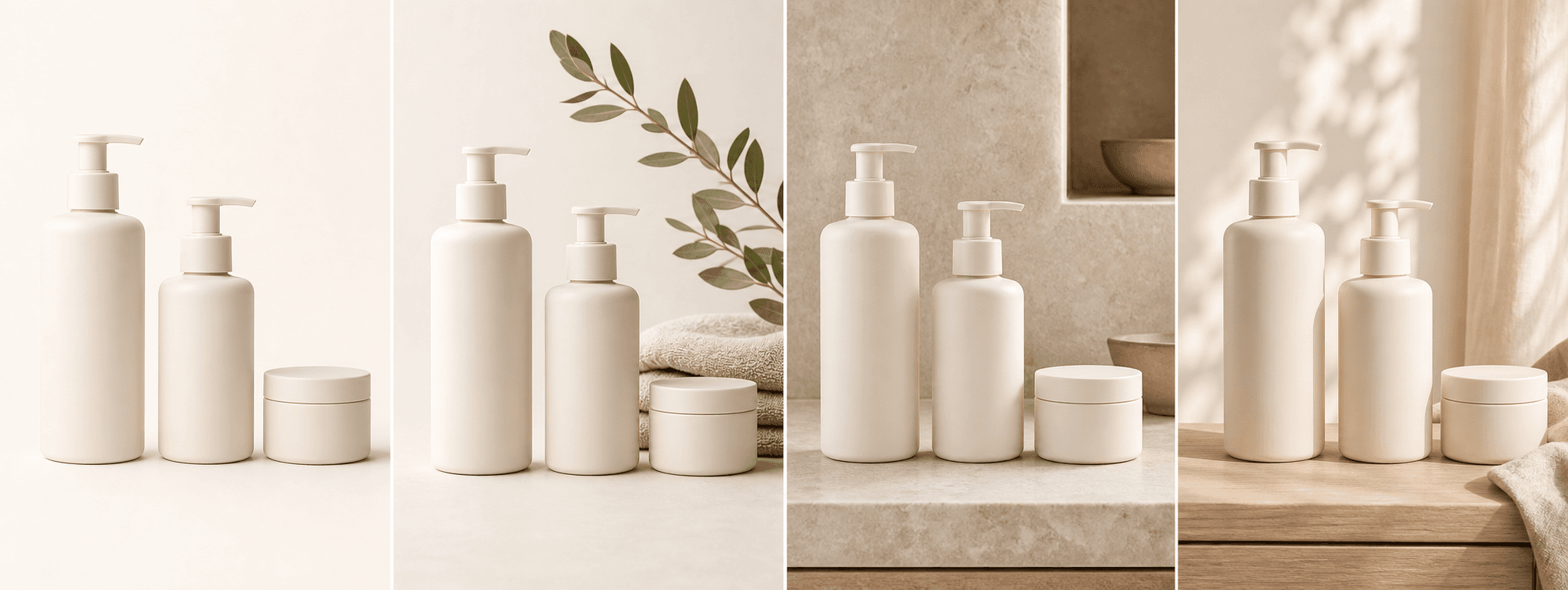
Create four product-first scenes for makeup packaging while protecting visible shade, finish, applicator, and label details.
Direct answer
Cosmetics photography is especially sensitive to color and component accuracy. A changed shade, applicator, cap, pan count, or reflective finish can make the image represent a different product.
ShopPhoto AI creates supporting scenes for a real cosmetic item, but it should not replace factual swatches, ingredient information, shade references, or close-ups of the actual applicator and package.
Explore soft highlights, reflective surfaces, and calm editorial backgrounds.
Keep the visible package, shade, applicator, cap, and finish central to the scene.
Create supporting visual directions for product pages, launches, and gift edits.
A useful image system
Use generated scenes alongside real swatches, component views, and shade-accurate photography.
Keep the product easy to recognize with controlled light and generous negative space.
Add a refined surface and supporting texture without hiding the package or applicator.
Create an elevated seasonal direction without implying a different shade or formula.
Source photo checklist
The source image should make every part of the actual cosmetic package easy to compare.
Generated scenes are not shade swatches, dermatological evidence, or proof of performance. Use verified product copy and real color references for purchasing decisions.
No prompt writing required
Choose one clear photo of the real product.
We create four distinct product scenes around it.
Inspect every preview and pay only if the set works.
Clear answers
Review accuracy, source photo, licensing, platform, and pricing details before you begin.
Use neutral, color-accurate light and show one complete cosmetic item. Keep the true shade, package, cap, applicator, pan layout, label, and reflective finish visible.
Check shade color, applicator shape, pan count, cap and hinge geometry, mirrors, labels, logos, reflections, and package finish. Keep real swatches as the authoritative color reference.
No. Generated lighting and color can differ from the real formula. Use controlled real swatches and shade references when accurate color is part of the purchase decision.
The current workflow focuses on product-first scenes, not precise application or virtual try-on. Use real application photography for fit, finish, and shade-on-skin claims.
Yes. Unlocked images include commercial use for product listings, stores, ads, email, and social posts. You remain responsible for accurate product representation and channel-specific rules.
No. Generate four watermarked previews for free, then pay $4.99 once only if you want to unlock the complete high-resolution set.
Keep exploring
See the result first
Upload one clear product image and compare every beauty scene with the actual package.
Create four free previews