Material-led settings
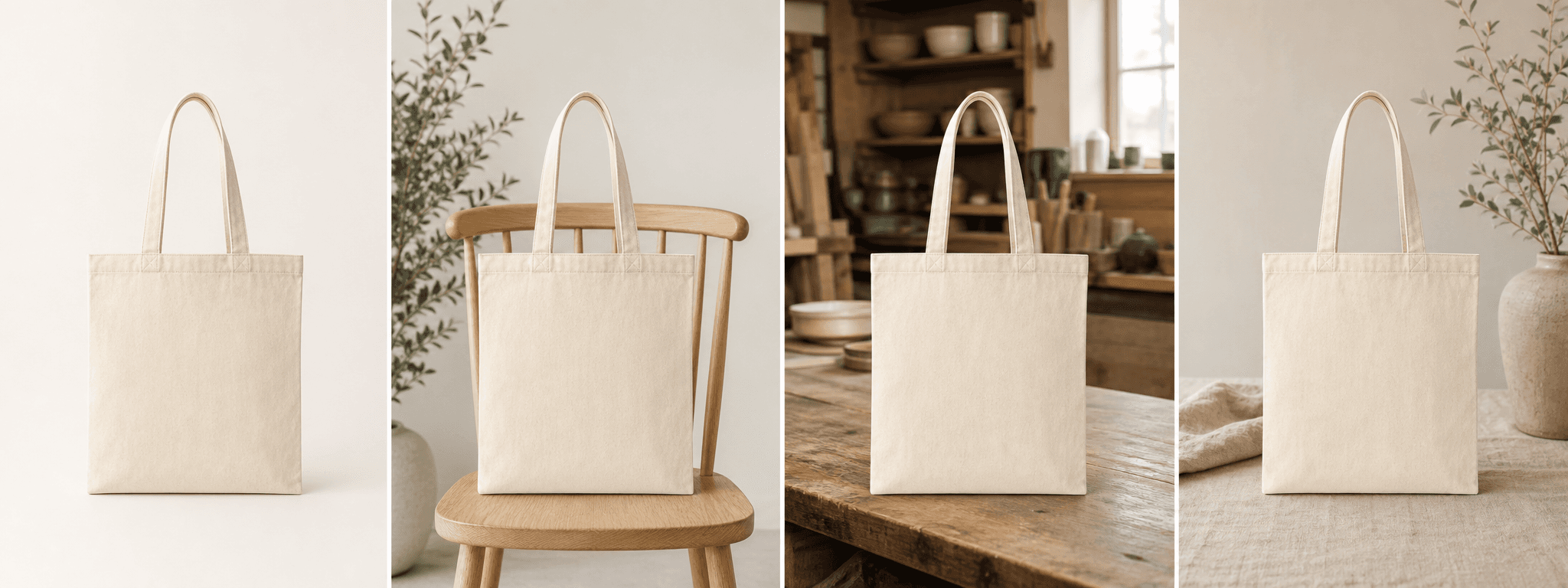
Use natural surfaces and soft light to support leather, canvas, woven, or textile character.
For bag makers and accessory brands
Build four refined scenes while using the real bag as the reference for material, handles, straps, seams, hardware, and structure.
Direct answer
Handbag shoppers rely on silhouette, proportion, material, closure, handle drop, strap attachment, hardware, seams, and interior organization. Lifestyle context can be useful, but it should not conceal or reinvent those construction details.
ShopPhoto AI creates four product-first scenes from one real bag photo. Keep factual front, back, side, base, interior, scale, and measurement images in the gallery so generated scenes remain supporting merchandising assets.
Use natural surfaces and soft light to support leather, canvas, woven, or textile character.
Keep handles, straps, closures, and bag structure visible for review.
Create polished scenes for collections, gifting, product pages, and social launches.
A useful image system
Use generated images to support, not replace, the construction views buyers need.
Create a calm hero image that makes material and silhouette easy to recognize.
Suggest a desk, entryway, studio, or travel setting without inventing capacity.
Add wrapping or keepsake context while keeping handles, closures, and hardware visible.
Source photo checklist
A straight, uncluttered source image makes changes to handles, seams, and hardware easier to catch.
Generated lifestyle context does not prove capacity, dimensions, durability, or material composition. Keep verified specifications and real construction views in the listing.
No prompt writing required
Choose one clear photo of the real product.
We create four distinct product scenes around it.
Inspect every preview and pay only if the set works.
Clear answers
Review accuracy, source photo, licensing, platform, and pricing details before you begin.
Photograph the complete bag upright or at a gentle three-quarter angle. Keep handles, straps, seams, closures, hardware, logos, and the base visible against a simple background.
Check silhouette, handle and strap count, attachment points, seams, zipper paths, buckles, feet, pockets, hardware color, logos, and material texture. Use real images for dimensions and capacity.
Lifestyle scenes can suggest context but are not reliable measurement evidence. Include dimensions and a real scale reference or model image when size matters.
Do not rely on generation to invent an unseen interior. Upload and publish real interior photographs so pockets, lining, compartments, and closures remain factual.
Yes. Unlocked images include commercial use for product listings, stores, ads, email, and social posts. You remain responsible for accurate product representation and channel-specific rules.
No. Generate four watermarked previews for free, then pay $4.99 once only if you want to unlock the complete high-resolution set.
Keep exploring
See the result first
Upload one full bag image and inspect structure, material, and hardware in every result.
Create four free previews