Production decision guide · reviewed August 6, 2026
Use a product photo studio and AI for different kinds of truth.
Choose the production method by image risk and customer question, then combine factual captures with faster supporting variations where appropriate.
Quick answer
Should you use a product photo studio or AI?
Use a real studio or controlled DIY capture when exact geometry, scale, color, materials, packaging, contents, compliance, or complex reflections must be proven. Use reviewed AI scene generation when you already have a trustworthy source image and need additional lifestyle, campaign, gifting, or social variations quickly.
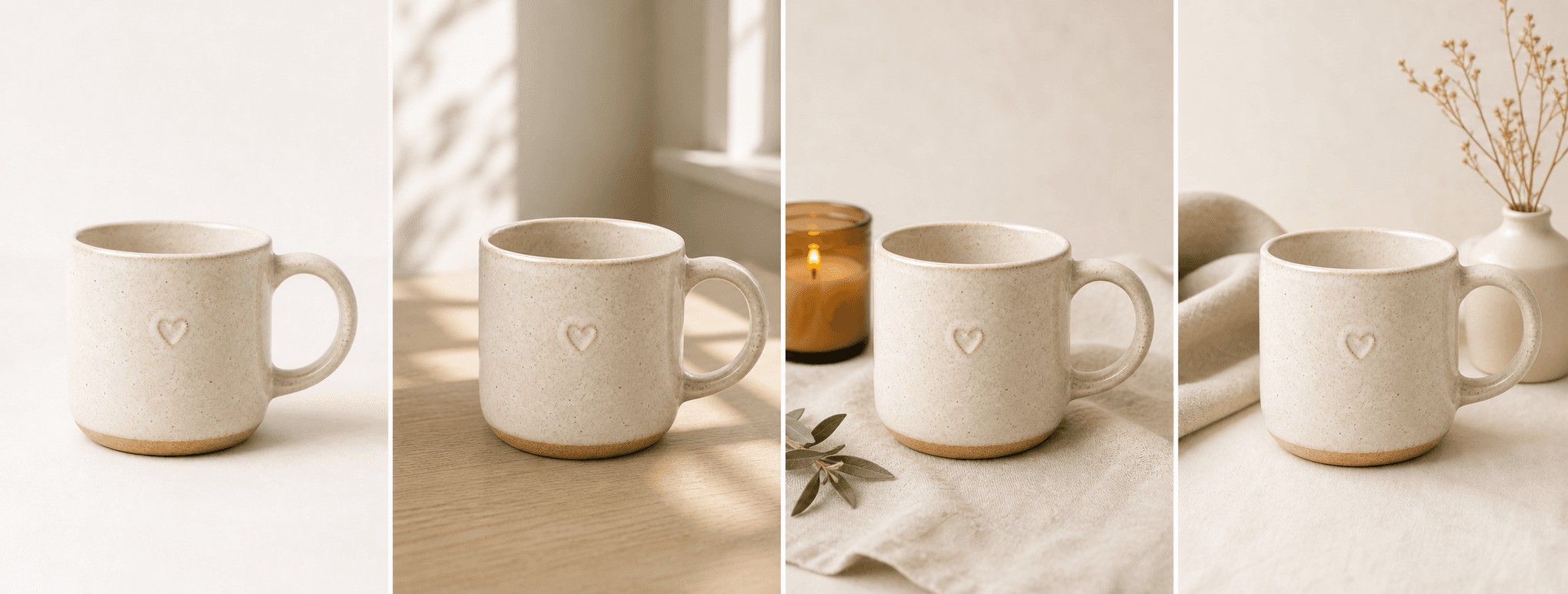
The strongest small-business workflow is often hybrid: photograph an accurate hero, alternate angle, detail, scale, and packaging view once; then use carefully reviewed AI to expand the supporting scene set. Reject any generated image that changes the real item or implies a false product claim.
Platform rules and interfaces can change. Use the linked primary sources as the final authority, then test the result in the marketplace or storefront you actually use.
Compare the methods
Accuracy, control, speed, and scale pull in different directions.
A studio offers physical control and direct evidence but requires equipment, planning, props, space, retouching, and reshoots. A DIY setup reduces cash cost but moves production work to the seller. Traditional editing is precise when a skilled operator has a good source file. AI generation creates visual options quickly but introduces product-fidelity risk and requires review.
Do not compare only the first invoice. Include preparation, shipping samples, reshoots, manual cleanup, rejected AI generations, review time, channel exports, and how often the catalog changes.
- Studio: highest physical control and evidence
- DIY: lower cash cost with more owner time
- Retouching: precise changes from a strong source file
- AI: fastest scene variation with mandatory fidelity review
Choose by image role
Protect high-risk images and automate lower-risk variation.
Main marketplace images, dimensional evidence, fit, color-critical products, transparent materials, reflective jewelry, safety features, and included contents deserve a real or tightly supervised workflow. Lifestyle context, seasonal direction, email creative, and social variations can be better candidates for reviewed AI output.
A useful gallery answers identification, detail, scale, use, packaging, and mood. Assign each role to the safest efficient production method rather than forcing one method to produce everything.
- Real capture: hero, scale, details, contents, compliance
- AI candidate: lifestyle, gifting, campaign, social variation
- Human review: every image that represents the purchasable item
- Channel test: crop, compression, thumbnail, and mobile view
Build a hybrid workflow
Create the factual master once, then extend it carefully.
Capture a reusable master set in a studio or repeatable home setup. Store high-resolution originals, record color and dimensions, and keep consistent naming. Generate only the additional image roles that have a clear publishing destination.
Track the usable-output rate, review time, return reasons, and conversion by image type. The correct workflow is the one that produces trustworthy images efficiently—not the one with the most automation.
A local “studio near me” search expects a physical service provider. ShopPhoto AI is not a local studio and should not claim that intent.
Before you publish
Studio vs AI decision checklist
Assign a production method to each required image role.
- List the factual details each image must prove.
- Mark color-, scale-, safety-, fit-, or compliance-critical images as high risk.
- Estimate total production and review cost, not only generation price.
- Keep real master files and product data as the source of truth.
- Review every generated product detail at full size.
- Measure publishable output, returns, and conversion after launch.
Primary references