Mobile workflow guide · reviewed August 6, 2026
The best mobile product photo app is the one that removes a real bottleneck.
Choose between quick cleanup, background tools, AI staging, branded templates, and browser-based generation instead of installing every editor.
Quick answer
Which mobile app is best for product photo editing?
Photoroom is a strong choice for mobile-first product cleanup, backgrounds, staging, templates, and batch workflows. Adobe Express and Canva are useful when photos must become social posts, banners, or branded layouts. Snapseed remains useful for focused tonal and local adjustments. A browser-based generator such as ShopPhoto AI fits a seller who wants a small set of complete lifestyle scenes without building a manual design.
Choose one primary editor and one specialized tool. Too many apps create inconsistent color, repeated compression, duplicated files, and unclear licensing. Test the full path from phone capture to the actual product listing before paying for a plan.
Platform rules and interfaces can change. Use the linked primary sources as the final authority, then test the result in the marketplace or storefront you actually use.
Start with the job
Separate correction, cutout, staging, and design.
Correction fixes exposure, color, crop, and small distractions. Cutout tools isolate the product. Staging tools create a new setting. Design tools add text, brand elements, and channel layouts. One app may cover several jobs, but its strongest workflow should match the task you repeat most often.
For a marketplace hero, accuracy and clean edges are more important than dramatic generation. For supporting images or social content, context, templates, and resizing become more valuable.
- Correction: exposure, color, crop, sharpness
- Cutout: background removal and edge cleanup
- Staging: new ecommerce or lifestyle scenes
- Design: text, templates, brand assets, and resizing
Useful shortlist
Pick a workflow category before comparing plans.
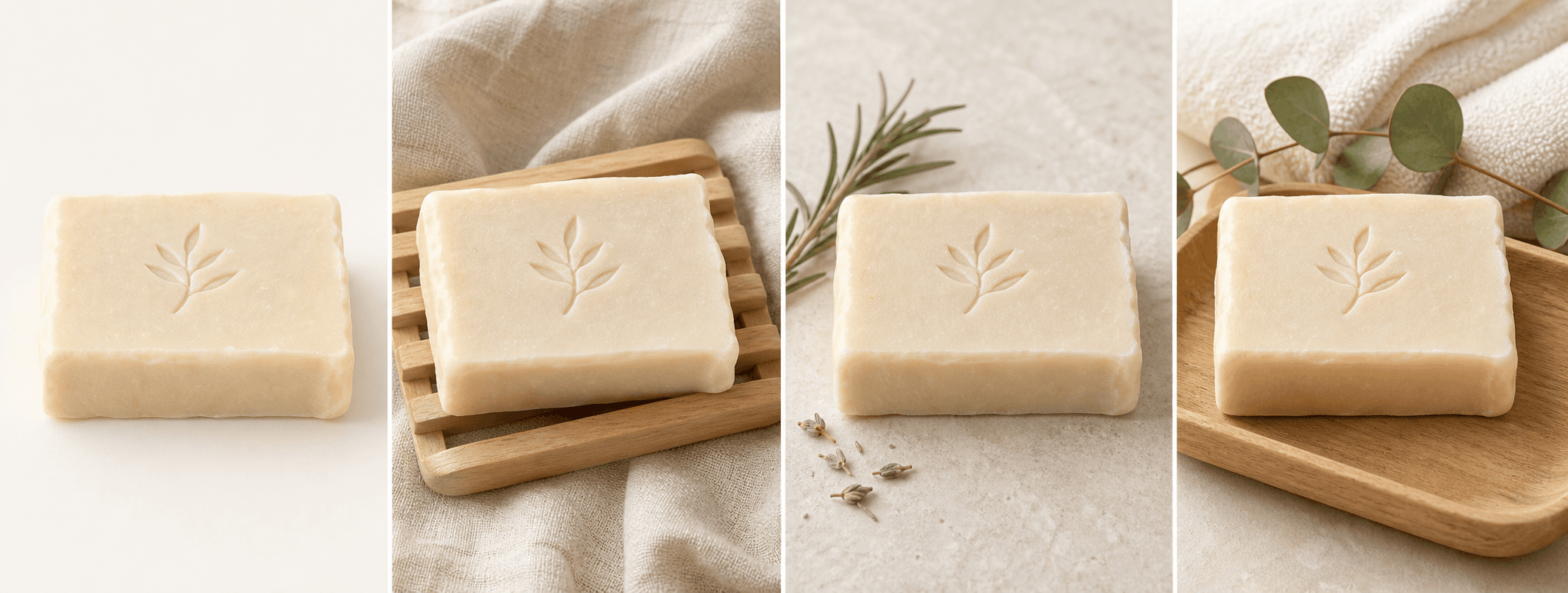
Photoroom emphasizes product-focused editing and mobile workflows. Adobe Express and Canva extend product images into broader branded content. Snapseed is a focused photo editor without an ecommerce production system. ShopPhoto AI runs in a browser and generates four scene directions rather than offering a manual mobile canvas.
Availability, free limits, export sizes, AI credits, and batch features can differ by platform and plan. Confirm the current details in the official app listing or product page.
- Product-first editing and batch work
- General design and social templates
- Manual tonal correction
- Prompt-free ecommerce scene generation
Test before paying
Export one real listing from start to finish.
Use the same source photo and create the exact hero, supporting image, or social crop you need. Check edge quality, color, text fidelity, resolution, compression, watermark, and the number of taps required.
Open the exported file in the actual storefront on a phone. A workflow is only fast when the published image remains sharp, accurate, and correctly cropped.
Avoid uploading a private or unreleased product until you understand the app’s storage, retention, and model-training terms.
Before you publish
Mobile product photo app checklist
Score the complete publishing workflow, not the app-store screenshots.
- The app solves the repeated job you actually have.
- Exports are large enough and correctly licensed for the target channel.
- Product edges, colors, labels, and materials remain accurate.
- The workflow avoids repeated compression and duplicate files.
- Free limits, AI credits, batch tools, and renewal terms are clear.
- Privacy and retention terms fit the products you upload.
Primary references