Social commerce image guide · reviewed August 5, 2026
TikTok Shop product images that explain the real item.
Build a factual main image first, then use supporting images to answer questions about scale, detail, use, and packaging.
Quick answer
What images should a TikTok Shop listing include?
Start with a clear, accurate main image that shows the product being sold and follows the current rules for your market and category. TikTok Shop guidance can vary, so the seller center for the country where you operate remains the final source of truth.
Use the remaining image positions to show relevant angles, details, scale, packaging, and realistic use context. Every image should represent the same product, quantity, color, accessories, and claims that the buyer will receive.
Platform rules and interfaces can change. Use the linked primary sources as the final authority, then test the result in the marketplace or storefront you actually use.
The factual anchor
Keep the main image clean and unmistakable.
TikTok Shop policy guidance describes a main image that accurately represents the product, with the full item easy to see. Some market guidance calls for a pure white main-image background, while supporting images can add more detail and context.
Avoid decorative text, misleading props, invented variants, watermarks, or accessories that are not included. If the product has packaging, labels, or required markings, photograph them sharply enough to inspect.
- One clearly identifiable product or truthful bundle
- Complete item visible with readable edges
- Accurate color, quantity, packaging, and included parts
- No unsupported claims or confusing decoration
Answer buyer questions
Give each supporting image one job.
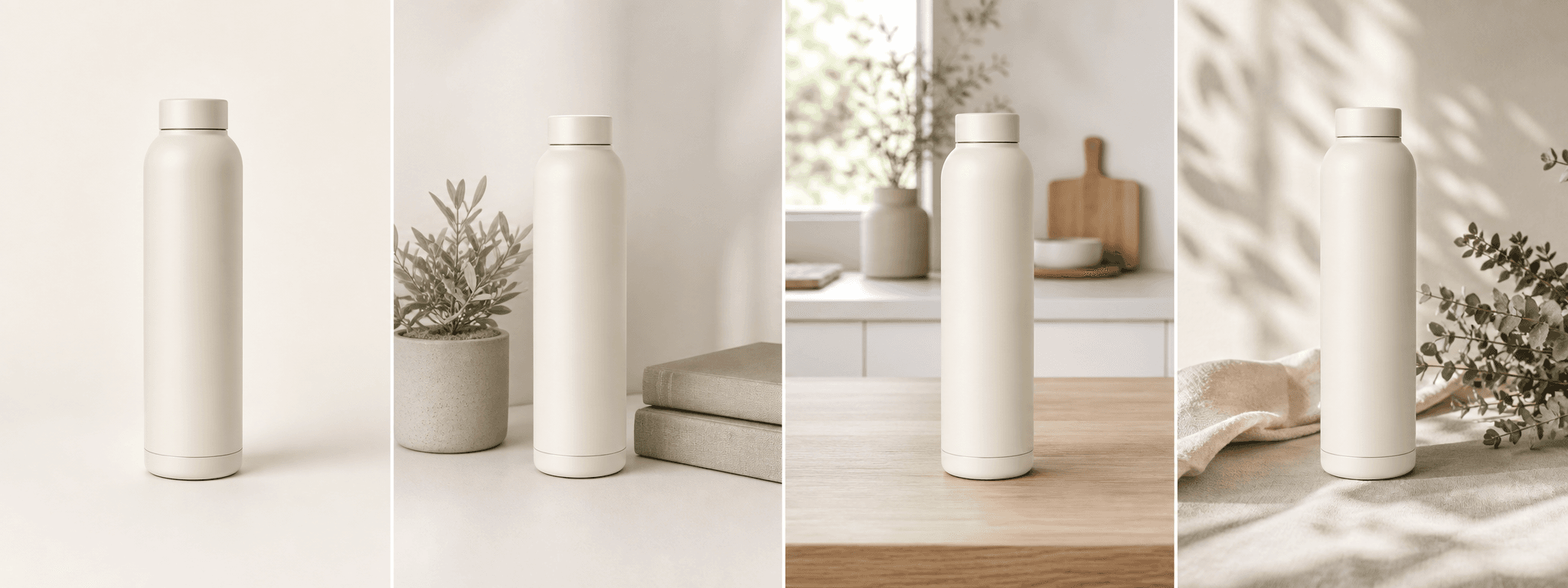
A useful gallery moves from identification to evidence. Show alternate angles, material or construction detail, scale, packaging, and a realistic use setting only when each view adds information.
Generated lifestyle scenes can support the gallery, but compare every output with the source. Do not let AI alter labels, colors, product count, safety information, hardware, or included accessories.
- Front, side, back, or open-and-closed views where relevant
- Texture, closure, ingredient label, or craftsmanship detail
- Scale demonstrated without distorting dimensions
- Lifestyle context that does not imply unsupported performance
Mobile-first production
Capture high resolution and preserve crop room.
Use a sharp source file, leave breathing room around the product, and inspect the listing on a phone. TikTok partner documentation supports product-image aspect conversion within a defined range, but the safest workflow is to verify the final crop in your current seller interface.
Keep an untouched master file. Export platform-specific copies only after the composition, product accuracy, and image sequence have been approved.
Rules change by market and category. Recheck the current TikTok Shop policy before publishing or updating a listing.
Before you publish
TikTok Shop product image checklist
Use this before uploading a new listing gallery.
- The main image follows the current policy for the selling market and category.
- The product, quantity, color, packaging, and included accessories are accurate.
- Supporting images add angle, detail, scale, packaging, or truthful use context.
- Text, watermarks, props, and claims do not obscure or misrepresent the item.
- Every AI-assisted scene was compared with the real product at full size.
- The final sequence and crops were checked on mobile.
Primary references