Visual discovery guide · reviewed August 5, 2026
Pinterest product photography built for discovery.
Use vertical composition, clear hierarchy, and real-life context to help a product earn attention and a useful click.
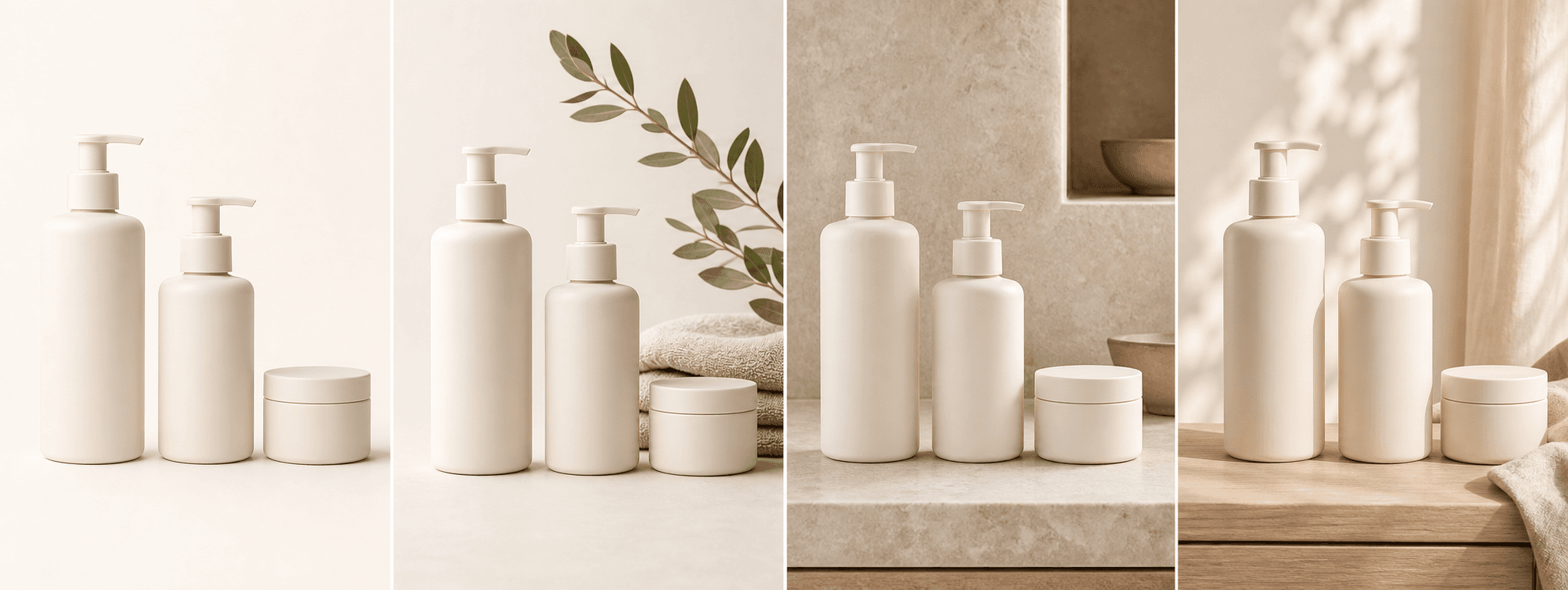
Quick answer
What makes a Pinterest product image useful?
Pinterest is a visual discovery environment, so the image should communicate the product and idea before a viewer reads the description. A vertical composition, strong focal point, and relevant setting help the image remain legible in a mobile feed.
The best product Pin is not a decorative poster alone. It connects a recognizable item to a problem, use case, style, season, or outcome that the destination page can genuinely support.
Platform rules and interfaces can change. Use the linked primary sources as the final authority, then test the result in the marketplace or storefront you actually use.
Compose for the feed
Build vertically from the start.
Arrange the product and supporting props so the visual hierarchy survives a tall crop. Keep critical details away from edges, leave clean space for optional factual copy, and inspect the result at thumbnail size.
Avoid shrinking the product into a wide scene with empty sides. The item should remain the obvious subject even before the user opens the Pin.
- One immediate focal point
- Vertical crop planned during capture
- Readable product silhouette at thumbnail size
- Safe space around labels and important details
Match a useful idea
Connect the product to a specific search intent.
A candle can support a small-space mood board, a tote can support an everyday carry idea, and skincare packaging can support a routine or gift guide. The context should be specific enough to deserve its own destination.
Use accurate page titles, descriptions, and image context on the destination page. The Pin and landing page should promise the same thing.
- Use case or routine
- Material, craft, or design style
- Seasonal or gifting context
- Comparison, checklist, or practical guide
Create a repeatable library
Reuse a visual system, not the identical image.
Keep recurring brand cues such as palette, light quality, typography, and surface treatment. Vary the product angle, use context, and information role so each Pin can target a different relevant query.
Save high-resolution masters and export versions for each placement. Check current Pinterest creative guidance before launching a paid campaign.
A clear image and a relevant landing page matter more than adding decorative text to every Pin.
Before you publish
Pinterest product photography checklist
Use this before scheduling or promoting a product Pin.
- The product remains clear in a vertical mobile thumbnail.
- The setting supports one specific use case or search intent.
- Brand cues are consistent without overpowering the product.
- Any text is concise, factual, and readable.
- The destination page directly matches the image promise.
- AI-assisted scenes preserve the real product and are fully reviewed.
Primary references